Photoshop tips, tricks & tutorials for the rest of us

By Dave Barker

Subscribe for Free Tips

Latest Articles

Stop Making Flat Photos: How to Make Colors Actually Pop in Photoshop

Stop Making Flat Photos: How to Make Colors Actually Pop in Photoshop

Client sends you a photo. Good composition, decent light, and somehow it looks like it was taken through a dirty window. You know the colors should be vibrant, but everything is sitting flat on the canvas like it’s given up on life. I’ve been there more times than I want to count, usually at 11pm in whatever coffee shop hasn’t kicked me out yet. That used to mean me throwing a Vibrance adjustment at the whole image, watching it look weird, undoing it, and repeating that cycle until I either fixed it or just accepted the mediocrity.

RAW Brushes in Photoshop Are Doing Things Layers Can't — Here's How to Use Them

RAW Brushes in Photoshop Are Doing Things Layers Can't — Here's How to Use Them

I’ve been doing client photo work long enough to have a folder on my desktop called “fixes” that contains folders called “actual fixes” and “please work.” A lot of what lives in that folder is me trying to do localized adjustments in Photoshop the old way: painting on layer masks, nudging curves, wrestling with luminosity masks, and generally adding complexity that compounds every time the client says “can you also just…” So when I stumbled onto the idea of doing brush-based edits directly inside Adobe Camera Raw, it genuinely changed how I approach a certain class of image problems.

RAW Brushes in Photoshop Are a Game-Changer (Once You Know Where They're Hiding)

RAW Brushes in Photoshop Are a Game-Changer (Once You Know Where They're Hiding)

I’ll be honest. For an embarrassingly long stretch of my freelance career, I treated Adobe Camera Raw like a toll booth. Something you click through as fast as possible on the way to the real work in Photoshop. Open image, nudge the exposure, hit Open, and get on with life. Then a client sent me a portrait that needed targeted skin retouching and localized color adjustments, and I spent two hours doing fiddly masking work in Photoshop that I should have handled in sixty seconds before I even got there.

Overlays in Photoshop Don't Have to Look Cheap — Here's How to Actually Use Them

Overlays in Photoshop Don't Have to Look Cheap — Here's How to Actually Use Them

Overlays have a reputation problem. Mention them to a certain type of Photoshop purist and you’ll get the same look you’d get if you showed up to a dinner party in a novelty t-shirt. Too many people have used them badly, slapping light leak PNGs over photos and calling it “cinematic” when it looks more like a screensaver from 2003. But here’s the thing: overlays are just raw material. The technique is in how you handle them.

Stop Applying Filters Destructively — Here's the Workflow That Actually Saves You

Stop Applying Filters Destructively — Here's the Workflow That Actually Saves You

Last year I was working on a banner for a local music festival — tight deadline, client breathing down my neck, the usual. I had spent about forty minutes stacking filters on a texture layer: Gaussian Blur, some Noise, a little Motion Blur to give it that gritty analog feel. Looked great. Client came back and said they wanted the blur “just a tiny bit less.” I went to adjust it, and realized every single filter had been applied directly to the pixels.

Stop Clicking Around: The Photoshop Selection Tools That Actually Matter (And When to Use Each One)

Stop Clicking Around: The Photoshop Selection Tools That Actually Matter (And When to Use Each One)

Last week I watched someone spend forty-five minutes using the Lasso Tool to cut out a person’s hair. Forty-five minutes. With the Magic Wand. On a subject with curly hair. Against a textured background. I wanted to reach through my laptop screen and intervene, but instead I just sat there in my corner of the coffee shop quietly suffering. If that story made you wince because you recognized yourself in it, this one’s for you.

The GFX100RF Is a Weird Camera — Here's How It Actually Works

The GFX100RF Is a Weird Camera — Here's How It Actually Works

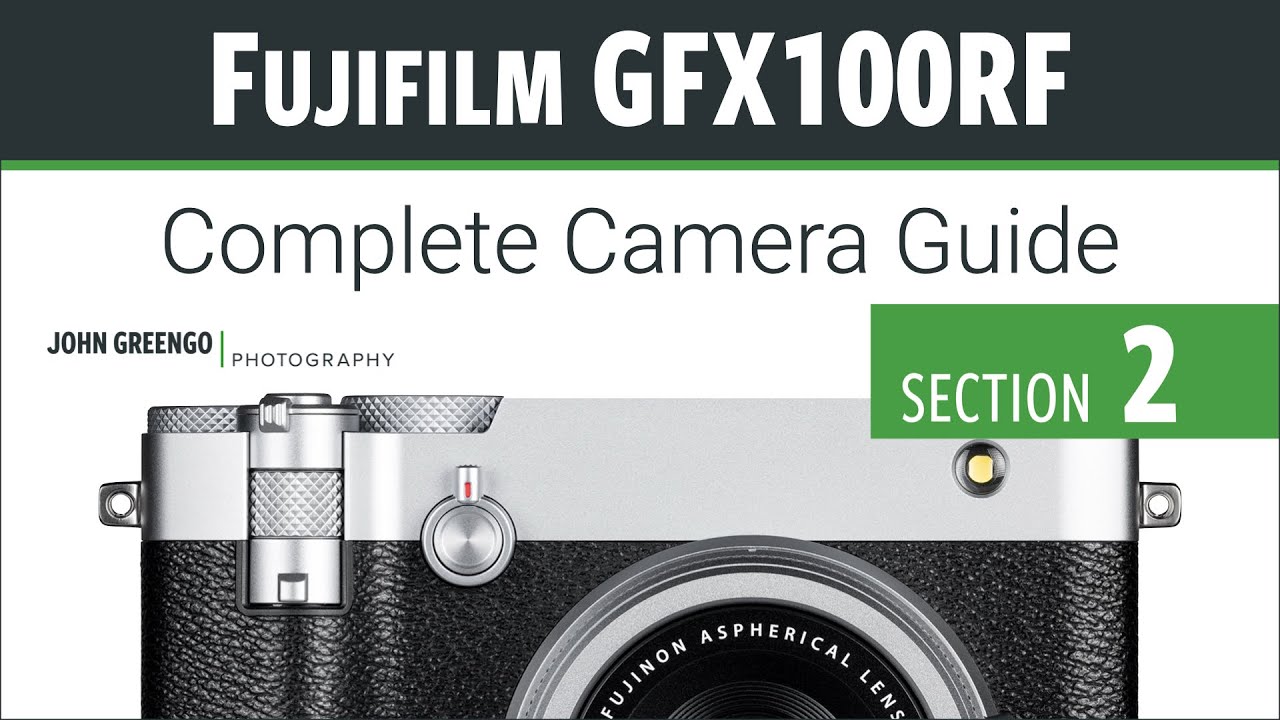
I’ll be honest with you. I spend most of my life in Photoshop, not behind a camera. But lately I’ve been pulling more raw files from photographers who are shooting on higher-end Fujifilm systems, and when a client sent me a batch of images from a GFX100RF, I realized I had no idea what I was even looking at in terms of the files, the crop options, or why some shots had wildly different aspect ratios baked into the metadata.

How Game Updates Can Inspire Your Digital Art Workflow

How Game Updates Can Inspire Your Digital Art Workflow

When Final Acts Really Mean Something I’ve been thinking a lot lately about how creative projects come to completion. You know, those moments when you’re staring at your Photoshop canvas wondering if you should add just one more layer or call it done? Well, I stumbled onto something interesting that’s got me reconsidering how we approach finishing our work. The Beauty of Well-Planned Conclusions Here’s what caught my attention: major creative projects that land their final chapter properly tend to leave a lasting impression.

Cutting Out Cowboys and Making Composites Actually Look Real in Photoshop

Cutting Out Cowboys and Making Composites Actually Look Real in Photoshop

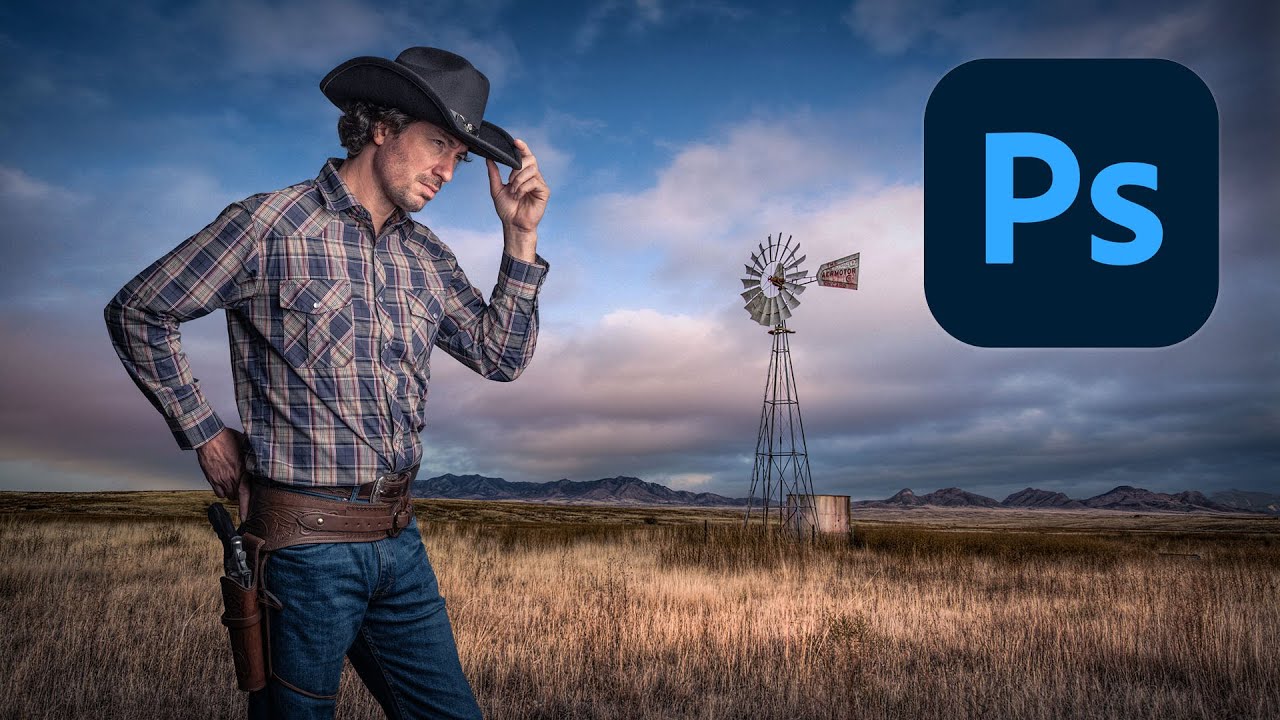
Compositing is one of those skills that separates the people who use Photoshop from the people who know Photoshop. I learned that the uncomfortable way a few years back when a friend sat down at my machine, looked at a composite I’d spent three days on, and rebuilt something better in about twenty minutes using techniques I’d never seen. That stung. A lot. Since then I’ve made it a point to watch how other working designers approach the problem, even when I think I’ve got it figured out.

Making Rain in Photoshop That Actually Looks Like Rain (Not TV Static)

Making Rain in Photoshop That Actually Looks Like Rain (Not TV Static)

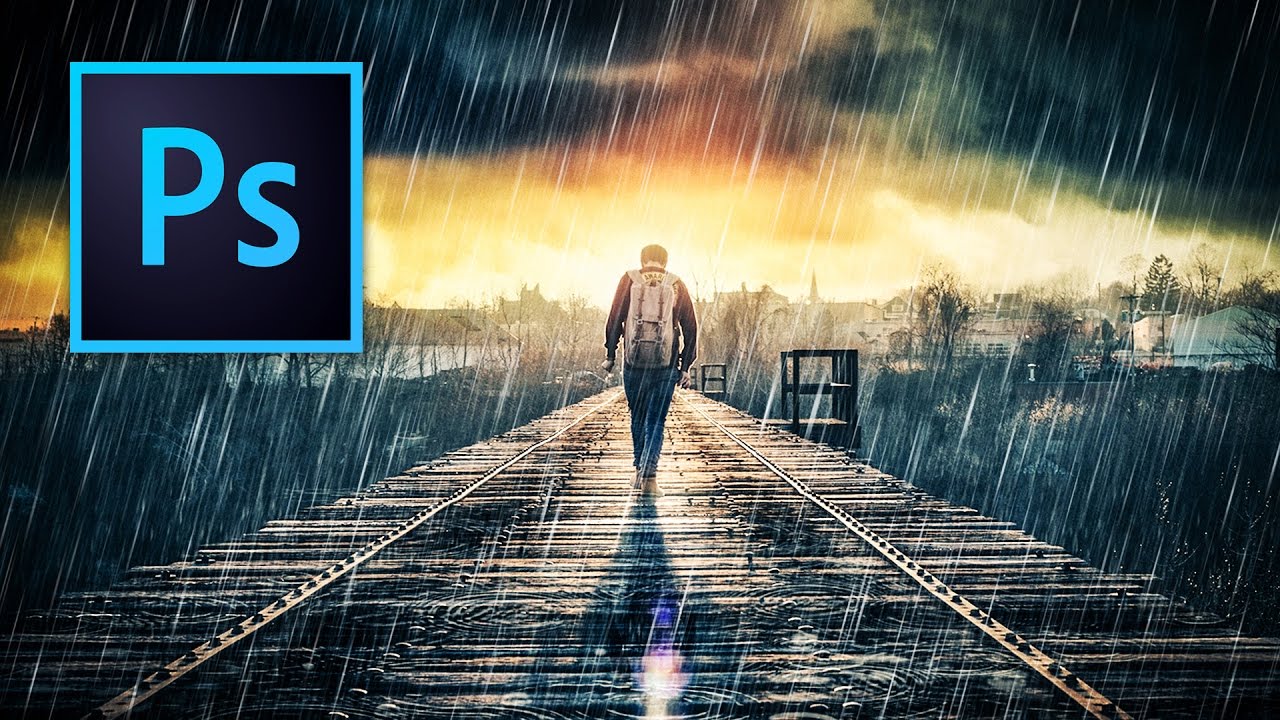
A client sent me a lifestyle photo last month. Nice shot, good light, decent composition. The brief said “make it moody.” Vague creative direction is basically a freelancer’s natural habitat, so I nodded, charged my coffee, and started poking around. What they actually wanted, it turned out after two rounds of revisions, was rain. Dramatic, cinematic, this-city-is-brooding rain. Not “slightly desaturate the sky” moody. Rain moody. I’d faked rain in Photoshop before, but my results always looked like someone sneezed on the lens.

RAW Brushes in Photoshop Are a Cheat Code Nobody Told Me About

RAW Brushes in Photoshop Are a Cheat Code Nobody Told Me About

A few months back I handed off a portrait retouch and the client came back asking for the skin to look “a little more natural.” Which, if you’ve been in this business longer than a week, you know is the most subjective note a human being can possibly give you. I’d done my usual dodge-and-burn routine on a separate layer, it looked clean, I thought we were good. We were not good.

The Photoshop Shortcuts That Actually Save Time (Not Just the Ones Everyone Lists)

The Photoshop Shortcuts That Actually Save Time (Not Just the Ones Everyone Lists)

I clock probably 30 hours a week in Photoshop, usually from a corner booth at a coffee shop in Austin with a cold brew going warm next to my laptop. And I can tell you with full confidence that the difference between a frustrating session and a smooth one almost always comes down to the same thing: how often I’m reaching for the mouse. Not because using the mouse is wrong.

Never Miss a Tutorial

Join our newsletter and get weekly tips, tutorials, and exclusive content.

Subscribe Now