Photoshop tips, tricks & tutorials for the rest of us

By Dave Barker

Subscribe for Free Tips

Latest Articles

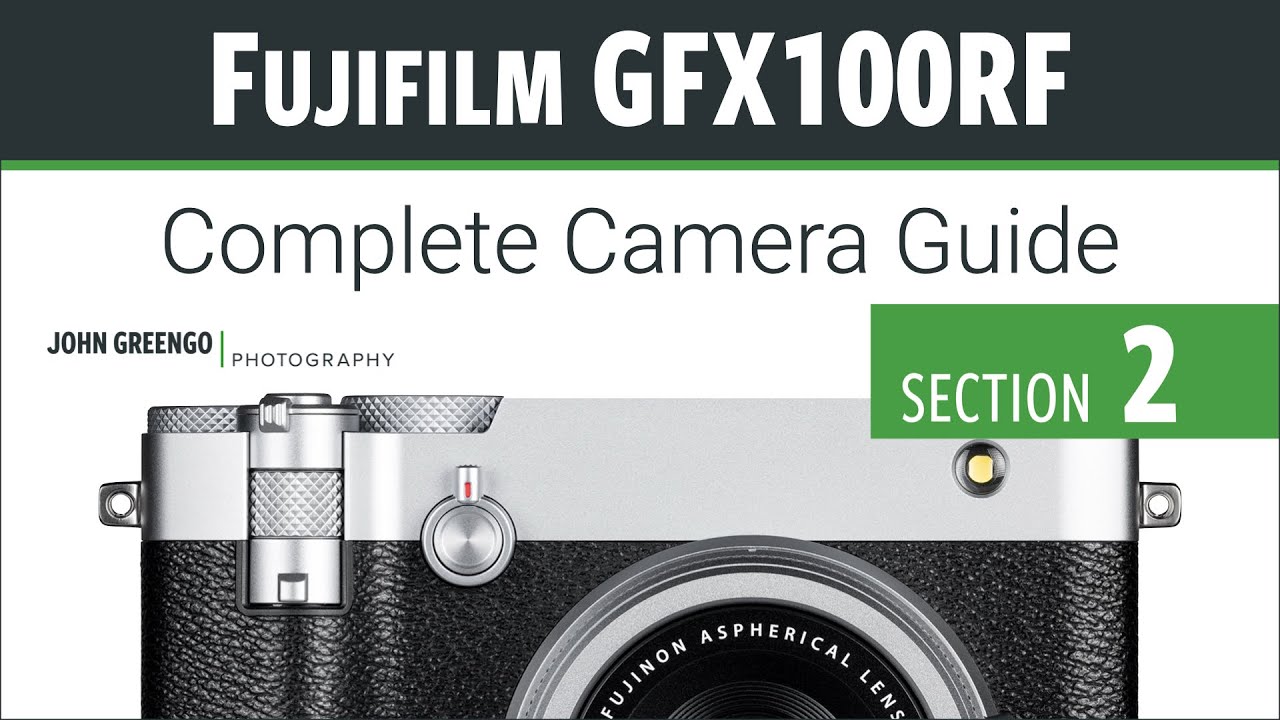
The GFX100RF Is a Weird Camera — Here's How It Actually Works

The GFX100RF Is a Weird Camera — Here's How It Actually Works

I’ll be honest with you. I spend most of my life in Photoshop, not behind a camera. But lately I’ve been pulling more raw files from photographers who are shooting on higher-end Fujifilm systems, and when a client sent me a batch of images from a GFX100RF, I realized I had no idea what I was even looking at in terms of the files, the crop options, or why some shots had wildly different aspect ratios baked into the metadata.

How Game Updates Can Inspire Your Digital Art Workflow

How Game Updates Can Inspire Your Digital Art Workflow

When Final Acts Really Mean Something I’ve been thinking a lot lately about how creative projects come to completion. You know, those moments when you’re staring at your Photoshop canvas wondering if you should add just one more layer or call it done? Well, I stumbled onto something interesting that’s got me reconsidering how we approach finishing our work. The Beauty of Well-Planned Conclusions Here’s what caught my attention: major creative projects that land their final chapter properly tend to leave a lasting impression.

Cutting Out Cowboys and Making Composites Actually Look Real in Photoshop

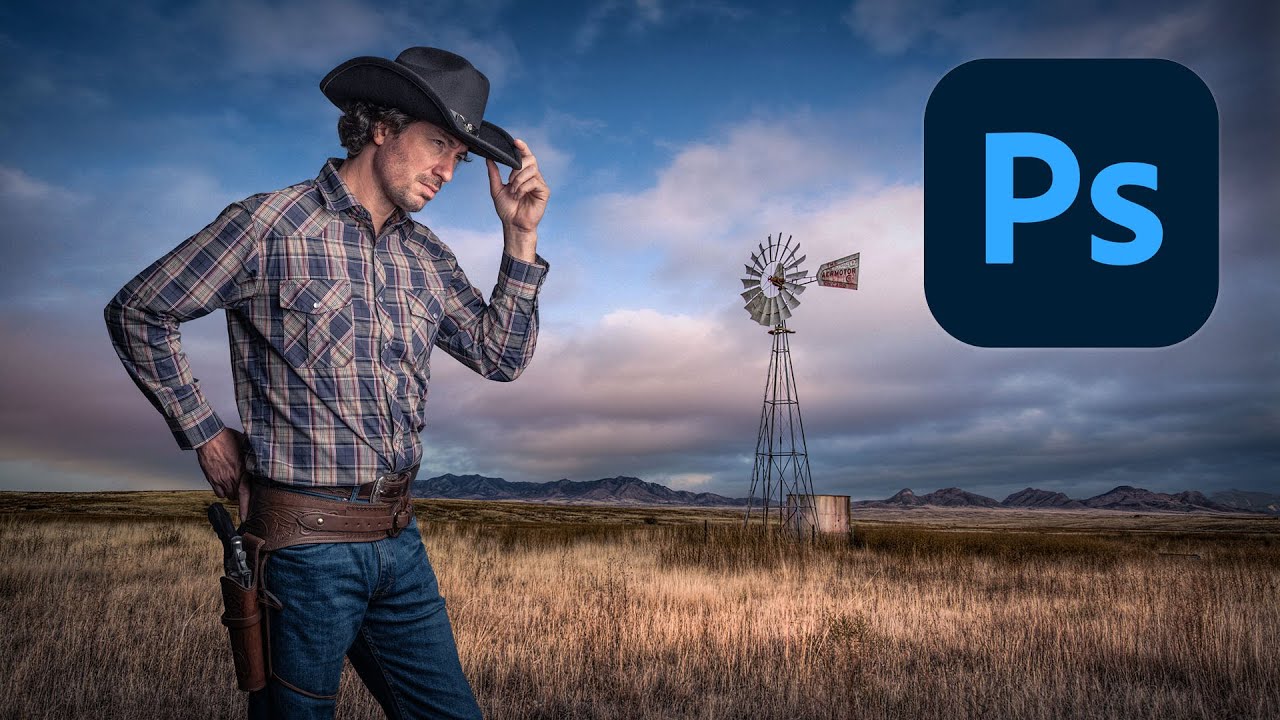
Cutting Out Cowboys and Making Composites Actually Look Real in Photoshop

Compositing is one of those skills that separates the people who use Photoshop from the people who know Photoshop. I learned that the uncomfortable way a few years back when a friend sat down at my machine, looked at a composite I’d spent three days on, and rebuilt something better in about twenty minutes using techniques I’d never seen. That stung. A lot. Since then I’ve made it a point to watch how other working designers approach the problem, even when I think I’ve got it figured out.

Making Rain in Photoshop That Actually Looks Like Rain (Not TV Static)

Making Rain in Photoshop That Actually Looks Like Rain (Not TV Static)

A client sent me a lifestyle photo last month. Nice shot, good light, decent composition. The brief said “make it moody.” Vague creative direction is basically a freelancer’s natural habitat, so I nodded, charged my coffee, and started poking around. What they actually wanted, it turned out after two rounds of revisions, was rain. Dramatic, cinematic, this-city-is-brooding rain. Not “slightly desaturate the sky” moody. Rain moody. I’d faked rain in Photoshop before, but my results always looked like someone sneezed on the lens.

RAW Brushes in Photoshop Are a Cheat Code Nobody Told Me About

RAW Brushes in Photoshop Are a Cheat Code Nobody Told Me About

A few months back I handed off a portrait retouch and the client came back asking for the skin to look “a little more natural.” Which, if you’ve been in this business longer than a week, you know is the most subjective note a human being can possibly give you. I’d done my usual dodge-and-burn routine on a separate layer, it looked clean, I thought we were good. We were not good.

The Photoshop Shortcuts That Actually Save Time (Not Just the Ones Everyone Lists)

The Photoshop Shortcuts That Actually Save Time (Not Just the Ones Everyone Lists)

I clock probably 30 hours a week in Photoshop, usually from a corner booth at a coffee shop in Austin with a cold brew going warm next to my laptop. And I can tell you with full confidence that the difference between a frustrating session and a smooth one almost always comes down to the same thing: how often I’m reaching for the mouse. Not because using the mouse is wrong.

Stop Waiting for Perfect Light — Shoot Wide Open Instead

Stop Waiting for Perfect Light — Shoot Wide Open Instead

I’ve been sitting on a folder of “bad location” shots for about six months now. You know the ones. You drove an hour, the light was flat, the scene was uninspiring, and you shot anyway because you were already there. Then you get home, dump the files, and immediately move on because the conditions weren’t what you planned for. That folder has been bothering me. Not because the shots are irredeemable, but because I’ve been treating “bad conditions” as a reason to not think harder about the shot itself.

Your Photoshop Workspace Is Costing You Time — Here's How to Fix It in 20 Minutes

Your Photoshop Workspace Is Costing You Time — Here's How to Fix It in 20 Minutes

I once watched myself spend six minutes looking for the Properties panel during a client screen share. Six minutes. The client was on the call. I was clicking through every nested panel group like a raccoon digging through trash, making small apologetic noises while my billable hour evaporated in real time. That was the day I stopped treating workspace setup as something I’d “get to eventually” and started treating it like the actual work.

Stop Faking It: How to Actually Change a Background in Photoshop Without It Looking Like a Middle School Collage

Stop Faking It: How to Actually Change a Background in Photoshop Without It Looking Like a Middle School Collage

Client sends you a product shot. Great photo, terrible background. Gray wall, weird shadow, a corner of what might be a laundry basket. They want it looking clean and professional by Thursday. You’ve been here before. I’ve been here before. Approximately forty times this year alone, judging by my invoices. Background replacement sounds simple until you’re staring at flyaway hair against a cluttered backdrop and your selection looks like it was traced by someone wearing oven mitts.

Stop Telling Beginners They Need Photoshop (They Really Don't)

Stop Telling Beginners They Need Photoshop (They Really Don't)

Stop Telling Beginners They Need Photoshop (They Really Don’t) I spent years watching the same tired advice get recycled in every photography forum on the internet. A nervous beginner posts their first edit, asks for constructive feedback, and without fail, some keyboard warrior responds with: “You need to learn Photoshop if you want to be a real photographer.” I used to believe this myself. Back in 2012, it felt like gospel truth.

Fake Shadows That Actually Fool People: What I Learned From Kelvin Designs

Fake Shadows That Actually Fool People: What I Learned From Kelvin Designs

Shadows are the thing that exposes a bad composite faster than anything else. Not the color grading, not the edge masking, not even the resolution mismatch. The shadow. Or more precisely, the missing shadow, or the one that’s slightly wrong and you can’t put your finger on why until someone points it out and then you can never unsee it. I’ve lost count of how many times I’ve placed a subject into a scene, done genuinely solid masking work, and still had the whole thing feel like a bad magazine cutout.

Adobe Camera Raw Just Quietly Got Way Better at Complex Edges (And Nobody's Talking About It)

Adobe Camera Raw Just Quietly Got Way Better at Complex Edges (And Nobody's Talking About It)

The Update Nobody’s Celebrating Yet I stumbled onto something in Adobe Camera Raw last week that made me genuinely excited—which, let’s be honest, doesn’t happen often with software updates. While everyone’s been distracted by whatever shiny new feature Adobe’s marketing team is pushing, two legitimately useful masking tools snuck into the latest version, and I’m convinced they’re about to change how we approach selective adjustments. Here’s the thing: these aren’t revolutionary in concept, but they’re revolutionary in execution.

Never Miss a Tutorial

Join our newsletter and get weekly tips, tutorials, and exclusive content.

Subscribe Now