Double Exposure in Photoshop 2026: The Easy Way to Blend Two Images Like a Pro

Double Exposure in Photoshop 2026: The Easy Way to Blend Two Images Like a Pro

There’s a specific kind of shame that comes from overcomplicating something that turns out to be embarrassingly simple. I spent an entire afternoon once trying to mask out a silhouette for a composite, painstakingly painting around hair strands, when the whole thing could have been handled in about three minutes with the right technique. Double exposure effects had the same reputation in my head: cinematic, editorial, definitely complicated. Turns out I was wrong by a significant margin.

Custom Workspace Layouts That Will Change Your Life

Custom Workspace Layouts That Will Change Your Life

Photoshop ships with a workspace designed to showcase every panel for every possible use case. It’s like walking into a kitchen where every utensil is displayed on the counter. Technically everything is accessible. Practically, it’s a mess. Building custom workspace layouts for your specific tasks is one of the highest-impact productivity moves you can make. It takes ten minutes and saves you thousands of clicks over time. Why Custom Workspaces Matter Every time you hunt for a panel, you break your creative flow.

Creating Text Effects That Don't Look Like Clip Art

Creating Text Effects That Don't Look Like Clip Art

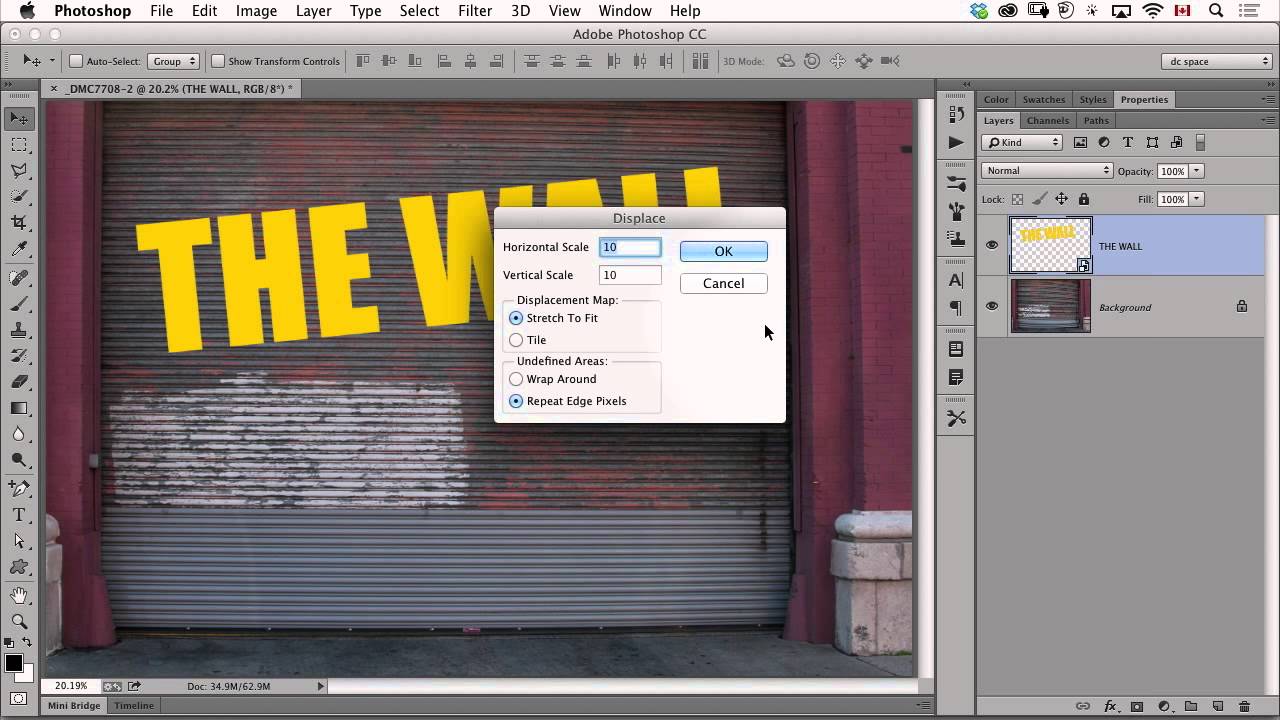
Photoshop’s Layer Styles panel is where good text goes to die. Bevel and Emboss, Outer Glow, Stroke — in the wrong hands, these tools produce text that looks like it belongs on a GeoCities page from 1998. But the tools themselves aren’t the problem. It’s how they’re used. Here’s how to create text effects that look professional. The Golden Rule: Restraint If you’re applying more than two layer styles to a single piece of text, you’re probably overdoing it.

Creating Seamless Panoramas in Photoshop

Creating Seamless Panoramas in Photoshop

Photoshop’s panorama stitching has gotten remarkably good over the years, but it still requires some understanding of what it’s doing — and what can go wrong — to get consistently great results. Shooting for the Stitch The quality of your panorama is mostly determined before you open Photoshop. Overlap by 30-40%. Each frame should share about a third of its content with the next frame. Less overlap gives the stitching algorithm less data to work with, resulting in visible seams or failed merges.

Content-Aware Fill: When It Works and When It Fails

Content-Aware Fill: When It Works and When It Fails

Content-Aware Fill is one of Photoshop’s most impressive features and also one of its most frustrating. When it works, it feels like magic. When it doesn’t, it produces results that range from “slightly off” to “nightmare fuel.” After years of using it professionally, I’ve learned to predict when it’ll nail the job and when I’m wasting my time. Here’s that knowledge distilled. When It Works Beautifully Removing objects from simple, textured backgrounds.

Blend Modes: Stop Using Normal Mode Like a Caveman

Blend Modes: Stop Using Normal Mode Like a Caveman

Blend Modes: Stop Using Normal Mode Like a Caveman Look, I get it. Blend modes seem intimidating. There are like 27 of them, they have weird names like “Overlay” and “Soft Light,” and nobody’s really explained what they actually do in plain English. So you’ve been sticking with Normal mode, layering stuff on top, and adjusting opacity until things look vaguely correct. We need to fix that. Right now. Here’s the truth: blend modes are just math formulas that tell Photoshop how to combine two layers together.

Blend Modes: Stop Using Normal and Start Looking Like You Know What You're Doing

Blend Modes: Stop Using Normal and Start Looking Like You Know What You're Doing

Blend Modes: Stop Using Normal and Start Looking Like You Know What You’re Doing I spent three years thinking blend modes were some kind of advanced wizardry reserved for people with design degrees and inexplicable confidence. Turns out, they’re just math. Boring, wonderful math that makes your work look infinitely better. Here’s the thing: if you’re still stacking layers at 100% opacity and calling it a day, you’re leaving money on the table.

Blend Modes: Stop Guessing and Start Creating

Blend Modes: Stop Guessing and Start Creating

I’ll be honest—blend modes used to terrify me. I’d see that dropdown menu with 27 options and just pick “Overlay” because it sounded professional. Turns out, that’s basically what everyone does, which is why half the internet’s edited photos look the same. Here’s the thing: blend modes aren’t magic. They’re just math. And I’m going to skip the math part because you didn’t come here for that. What you did come here for is knowing which ones actually do something useful.

Blend Modes Demystified: Stop Using Normal and Start Looking Like You Know What You're Doing

Blend Modes Demystified: Stop Using Normal and Start Looking Like You Know What You're Doing

Blend Modes Demystified: Stop Using Normal and Start Looking Like You Know What You’re Doing I’ll be honest with you—I spent three years in Photoshop thinking blend modes were just there to make my layers look like a glitchy nightmare. Then I actually learned what they do, and suddenly I stopped needing fifteen adjustment layers to fix simple problems. So let me save you some time and sanity. What Blend Modes Actually Are (Without the Math Nerd Stuff) Blend modes control how a layer interacts with the layers beneath it.

Blend Modes Demystified: Stop Using Normal and Start Actually Creating

Blend Modes Demystified: Stop Using Normal and Start Actually Creating

Blend Modes Demystified: Stop Using Normal and Start Actually Creating Look, I’m going to level with you. When I first started using Photoshop, I treated blend modes like that mysterious section of the menu—technically aware it existed, totally confused about how to use it, and perfectly content leaving it alone. Then I realized I was basically editing with one hand tied behind my back. Blend modes are genuinely the difference between “I spent four hours on this” and “I spent four hours on this and it actually looks professional.

Blend Modes Demystified: Stop Guessing and Start Blending Like a Pro

Blend Modes Demystified: Stop Guessing and Start Blending Like a Pro

Blend Modes Demystified: Stop Guessing and Start Blending Like a Pro Let me be honest: I spent three years clicking through blend modes like a slot machine, hoping something would look cool. Then I actually learned what they do, and my work improved dramatically. So here’s what I wish someone had told me straight up. Why You Should Care About Blend Modes Blend modes determine how a layer interacts with the layers below it.

Blend Modes Aren't Witchcraft (But They Sure Look Like It)

Blend Modes Aren't Witchcraft (But They Sure Look Like It)

Blend Modes Aren’t Witchcraft (But They Sure Look Like It) I used to stare at Photoshop’s blend mode dropdown like it was written in ancient Sumerian. Twenty-seven options with names like “Color Dodge” and “Exclusion”? No thanks. I’d just stick with Multiply and call it a day. Then I actually learned what they do. Turns out, most blend modes are just math formulas that tell Photoshop how to merge two layers together.