Lightroom's Radial Filter Is Doing Way More Work Than You Think

Lightroom's Radial Filter Is Doing Way More Work Than You Think

I’ll be honest with you. For an embarrassingly long time, I used Lightroom’s Radial Filter for exactly one thing: drawing a circle and darkening the outside of it. That’s it. That was my whole relationship with the tool. I was basically using a Swiss Army knife to open envelopes. Then I stumbled onto a tutorial by landscape photographer Nigel Danson where he runs through five distinct things you can do with the Radial Filter, and I had one of those “okay I’ve been doing this wrong” moments that I usually only get from accidentally breaking something expensive.

Stop Mousing Around: Layer Mask Shortcuts That Actually Save You Time

Stop Mousing Around: Layer Mask Shortcuts That Actually Save You Time

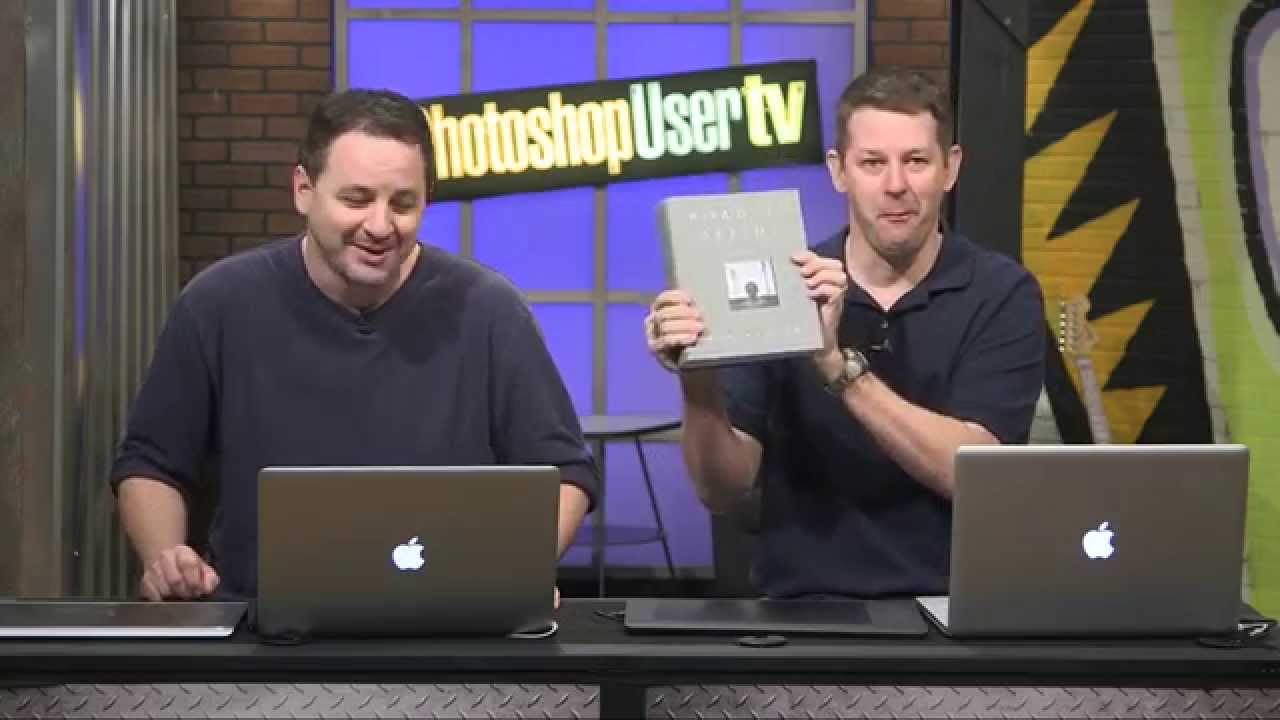
I’ll be honest: for an embarrassingly long time, I was that person clicking through every layer mask operation like I had all the time in the world. Click to add the mask, click to select it, click to disable it, click to view it. My mouse hand was getting a workout my brain wasn’t. It wasn’t until I watched Dave Cross walk through his layer mask shortcut workflow in this KelbyOne episode of Photoshop User TV that I realized how much friction I’d been building into my own process.

How to Fake Graffiti on Any Surface in Photoshop (Without It Looking Fake)

How to Fake Graffiti on Any Surface in Photoshop (Without It Looking Fake)

There’s a specific kind of client request that used to make me sweat: “Can you put some text/logo/graphic on that surface?” Not floating beside it. Not stamped on flat. Actually on it, following the curves, matching the lighting, looking like it was always there. Early in my freelance life I’d just nudge the layer around until it looked “close enough” and hope nobody zoomed in. Spoiler: clients zoom in. This technique is the proper answer to that problem.

5 Cheap Studio Accessories That Punch Way Above Their Price Tag

5 Cheap Studio Accessories That Punch Way Above Their Price Tag

There’s a weird phase every photographer goes through where they convince themselves the next big piece of kit will fix everything. A new lens. A better strobe. A camera body that costs more than a used car. I’ve been there. I’ve also been the guy who showed up to a studio shoot with a bag full of expensive gear and zero gaffer tape, which is how you end up duct-taping a cable to a backdrop stand and hoping nobody notices.

How to Push a Branch (or Anything) Out of Your Subject's Space in Photoshop

How to Push a Branch (or Anything) Out of Your Subject's Space in Photoshop

There’s a specific kind of frustration I feel when I nail a shot compositionally — good light, great subject, clean background — and then notice that some branch, pole, or random object is practically breathing on my subject. Not close enough to remove without wrecking the composition, but close enough to look like a mistake. I used to either crop aggressively (losing the frame I wanted) or spend 20 minutes cloning and healing until it looked almost right.

Stop Guessing Your White Balance — Here's How to Fix It in Photoshop (Even on JPEGs)

Stop Guessing Your White Balance — Here's How to Fix It in Photoshop (Even on JPEGs)

Color is the thing that separates a photo that looks off from one that stops the scroll. I’ve handed clients deliverables that were technically sharp, technically exposed, and technically terrible because the white balance was just slightly too cold and it made everyone look like they were photographed inside a hospital. Not great. White balance is one of those adjustments that sounds fussy and technical until you realize it’s basically the difference between “warm afternoon in Mexico” and “fluorescent break room at a DMV.

What Celebrity Magazine Retouching Actually Looks Like (And Why You Should Care)

What Celebrity Magazine Retouching Actually Looks Like (And Why You Should Care)

There’s a specific kind of humbling that happens when you’ve been doing Photoshop work for years and you still catch yourself believing a magazine cover is real. I’ve been editing photos since I was making graphics in MS Paint for my middle school friends, and I know how much work goes into a polished image. I know it intellectually. And yet, those high-gloss editorial shots still land differently in the gut than they should.

10 Photoshop Tips I Wish I'd Known Before I Wasted Years Doing Things the Hard Way

10 Photoshop Tips I Wish I'd Known Before I Wasted Years Doing Things the Hard Way

There’s a specific kind of pain that comes from watching someone else work in Photoshop and realizing they’re doing in three clicks what takes you fifteen. I’ve been there more times than I’d like to admit. Back when I was just starting to take freelance work seriously, a friend watched me edit over my shoulder for about two minutes before quietly asking if I’d ever heard of layer masks. Reader, I had not.

Stop Adjusting Black & White Sliders Blindly — Camera Raw Has a Better Way

Stop Adjusting Black & White Sliders Blindly — Camera Raw Has a Better Way

I used to convert images to black and white the same way I did everything else when I was starting out: wrong, but confidently. Desaturate the layer, maybe drag a few sliders around in Hue/Saturation, call it a day. The results looked flat, the contrast was muddy, and I had no way to go back and fix anything without starting over. I learned about non-destructive editing the hard way – the very hard way, involving a client project and a save that couldn’t be undone – and it changed how I approach basically everything in Photoshop now.

Photoshop Selections Explained: The One Skill That Makes Everything Else Click

Photoshop Selections Explained: The One Skill That Makes Everything Else Click

Here’s a confession: for an embarrassingly long time, I was just painting over things I didn’t want in my images. Like, literally using a brush and hoping for the best. My early freelance work looked fine on screen and absolutely fell apart the second a client zoomed in. The problem wasn’t my eye for design. It was that I had no real grip on selections, which meant every edit I made was either global (affecting the whole image) or a crime scene.

Flow vs. Opacity: The Brush Setting You're Probably Ignoring (And Why It's Costing You)

Flow vs. Opacity: The Brush Setting You're Probably Ignoring (And Why It's Costing You)

I spent an embarrassing amount of time early in my freelance career fighting with Photoshop’s brush tool. I’d lower the opacity to build up a soft mask, then wonder why my strokes looked choppy and inconsistent. I’d click, release, click again, and end up with these weird hard rings of buildup that looked nothing like the smooth, natural blending I was going for. Turns out I was using the wrong setting entirely, and nobody had ever taken five minutes to explain the difference.

Stop Hibernating: A Working Photographer's Guide to Night Street Photography Settings

Stop Hibernating: A Working Photographer's Guide to Night Street Photography Settings

Winter used to wreck my shooting schedule. Not because I got lazy (okay, sometimes because I got lazy), but because the light disappeared before I even finished my second coffee. By the time I’d pack up my gear and head outside, the sun was already halfway into the ground and everything looked like a gray soup. I assumed good photography was a daylight-only activity, which meant I spent a lot of winters doing absolutely nothing useful with a camera.