Open, Edit, Save: The Photoshop Workflow That Actually Sticks (Day 2 Breakdown)

Open, Edit, Save: The Photoshop Workflow That Actually Sticks (Day 2 Breakdown)

There’s a particular kind of embarrassment that comes from being a working designer and realizing you’ve been opening files the slow way for years. Not wrong, just slow. Inefficient in that quiet, compounding way that costs you ten seconds here, thirty seconds there, until one day you’re watching someone else work and they pull off three steps in the time it took you to reach for your mouse. That was me, earlier in my career, and honestly it still catches me off guard when I stumble onto a faster method.

Why Your Text Effects Look Cheap (And the Layer Style Fixes That Actually Work)

Why Your Text Effects Look Cheap (And the Layer Style Fixes That Actually Work)

A client sent me a revision note last year that just said “can you make it pop more?” No context. No reference image. Just that. I’ve been doing this long enough to know that “pop” is designer-speak for “I feel like something is missing but I don’t know what.” Nine times out of ten, the problem isn’t the font choice or the color. It’s that the text is sitting on top of the image instead of feeling like it belongs in it.

Stop Making Boring Type Layouts: A Guide to Photoshop's Dynamic Text Feature

Stop Making Boring Type Layouts: A Guide to Photoshop's Dynamic Text Feature

There’s a specific kind of embarrassment that comes from spending forty minutes manually nudging text layers around a composition, only to realize the alignment is still slightly off and you have no clean way to fix it. I’ve been there more times than I’d like to admit. Typography in Photoshop has always been capable of more than most people use it for, but the workflow for getting polished, multi-style type into a layout used to involve enough friction that you’d sometimes just settle for “good enough.

How to Build a Cinematic Movie Poster Look in Photoshop (Riddick Style)

How to Build a Cinematic Movie Poster Look in Photoshop (Riddick Style)

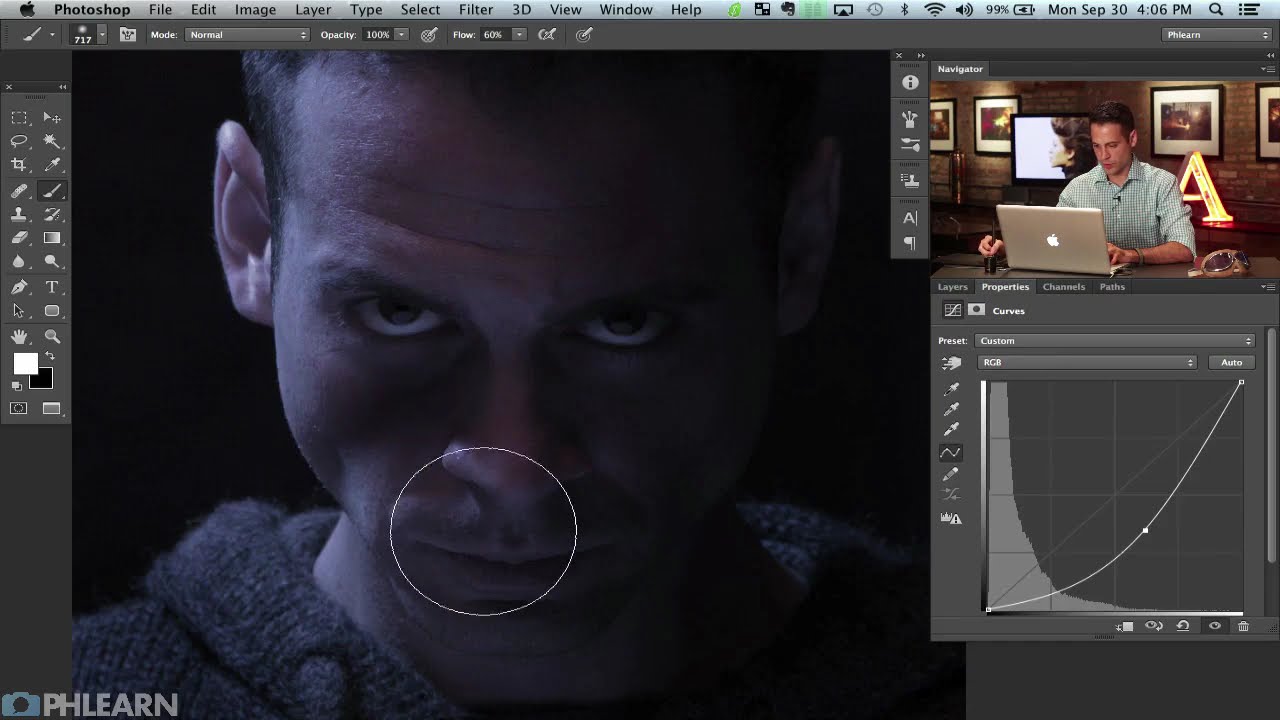
Client work has a funny way of humbling you. I’ve lost count of the number of times someone has handed me a photo and said something like “make it look cinematic” with zero other direction, like I’m supposed to telepathically decode what “cinematic” means to them. After enough of those requests, I started reverse-engineering actual movie posters to build a mental library of techniques I could reach for. That’s what pulled me into this tutorial.

Stop Fighting the Magic Wand Tool — It's Actually Good (When You Use It Right)

Stop Fighting the Magic Wand Tool — It's Actually Good (When You Use It Right)

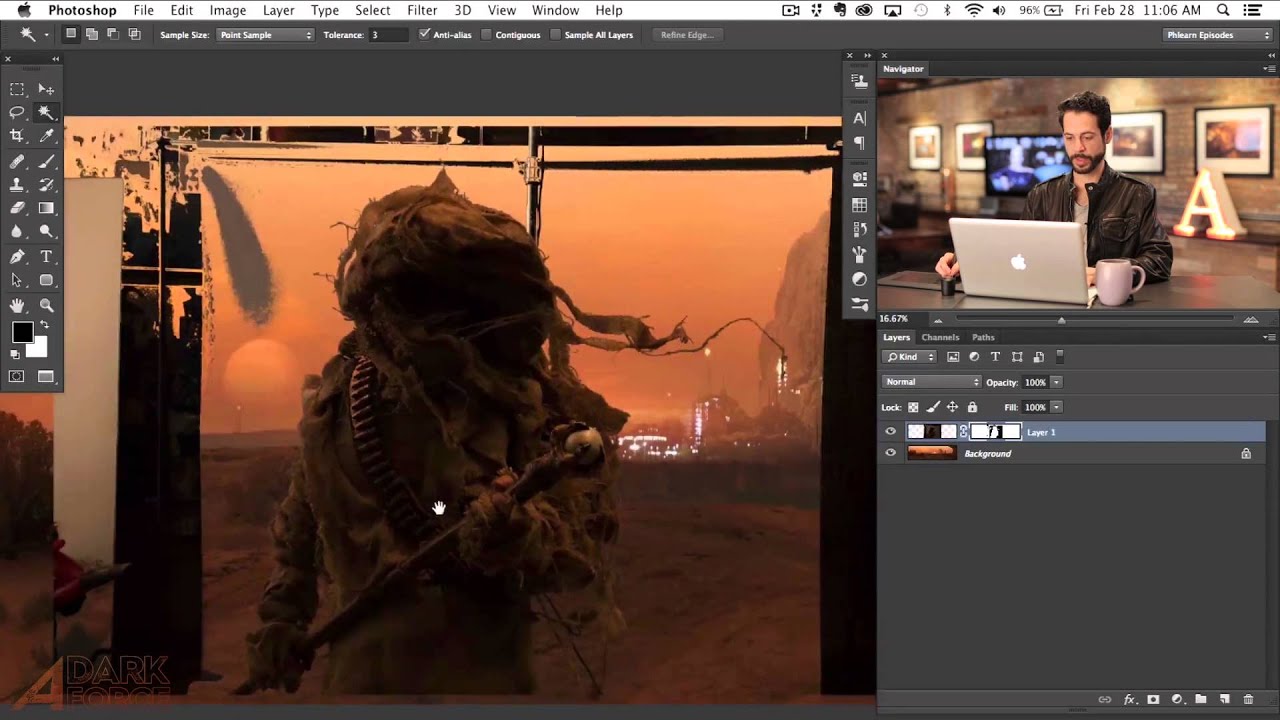
Compositing is where Photoshop either saves your project or humiliates you. I’ve been on both ends of that. There was a period where I spent three full days on a composite, painstakingly painting out a background pixel by pixel, only to have a friend glance at it, ask why I wasn’t using a smarter selection workflow, and then rebuild the whole thing in about twenty minutes while I sat there questioning my life choices.

The Photoshop Shortcuts I Actually Use (And the Ones Everyone Else Just Pretends To)

The Photoshop Shortcuts I Actually Use (And the Ones Everyone Else Just Pretends To)

I timed myself the other day, just out of curiosity. One hour of client work, and I hit the keyboard instead of the mouse somewhere around 200 times. Some of those were shortcuts I’ve been using so long they’re basically muscle memory. A few were ones I picked up embarrassingly recently. And at least three were me accidentally pressing the wrong thing and then furiously hitting Ctrl+Z like I was playing a rhythm game.

The 3-Step Photoshop Glow Trick That Makes Over-Sharp Images Actually Look Good

The 3-Step Photoshop Glow Trick That Makes Over-Sharp Images Actually Look Good

There’s a specific kind of problem that creeps up constantly in my work: an image that’s been edited to within an inch of its life, technically perfect, and somehow still feels a little… aggressive. Too crisp. Like it’s trying too hard. You’ve nailed the exposure, the colors are singing, and yet something about the final result looks like it was sharpened with a grudge. I used to just ship it anyway and chalk it up to the image being what it was.

How to Blend Textures Into Photos Like a Pro (And Actually Make It Look Good)

How to Blend Textures Into Photos Like a Pro (And Actually Make It Look Good)

I have a hard drive full of photographs that are technically fine and creatively dead. A pelican I shot at golden hour with bad composition. A barn I pulled over for on a road trip outside of Austin, caught in the flattest midday light imaginable. A motorcycle at a car show, surrounded by other people’s shoulders and styrofoam cups. These aren’t bad photos exactly, they just have no reason to exist as finished work.

Blending Modes Are Doing Half Your Compositing Work — You're Just Not Using Them

Blending Modes Are Doing Half Your Compositing Work — You're Just Not Using Them

A few years back, I spent the better part of three days building a composite that a photographer friend of mine looked at, sat down, and rebuilt in about twenty minutes using techniques I had genuinely never considered. That moment broke something loose in my brain. I had been doing things the hard way, masking and erasing and cutting, when blending modes were sitting right there in the Layers panel like a cheat code I’d never bothered to read.

Stop Painting Every Pixel: Photoshop's Focus Area Selection Does the Heavy Lifting

Stop Painting Every Pixel: Photoshop's Focus Area Selection Does the Heavy Lifting

There’s a specific kind of Tuesday afternoon misery that comes from manually painting a selection around a subject with a detailed, wispy, complicated edge. Hair. Fur. Wedding veils. If you’ve spent forty-five minutes with the Quick Selection tool only to end up with a result that looks like your subject was cut out with safety scissors, you know exactly what I’m talking about. The good news is that if your source photo has a blurred background, caused by shallow depth of field, you’re sitting on a selection shortcut that most people scroll right past in the Select menu.

AI Dust Removal Is Here and It'll Save You Hours of Clone Stamp Hell

AI Dust Removal Is Here and It'll Save You Hours of Clone Stamp Hell

There’s a specific kind of freelance photographer pain that I only discovered after delivering a batch of landscape shots to a client and getting an email back asking about “all the little circles.” I had no idea what they were talking about. Zoomed in. Dust spots. Everywhere. On every single image. From a dirty sensor I hadn’t thought to clean. I spent the better part of an afternoon cloning them out one by one like some kind of medieval monk illuminating a manuscript, except less dignified and with more swearing.

Sky Replacement + Auto Reflection: The Photoshop Combo That Saves My Composite Workflow

Sky Replacement + Auto Reflection: The Photoshop Combo That Saves My Composite Workflow

There’s a specific kind of frustration that comes from spending an hour manually painting a water reflection, only to realize the perspective is slightly off and the whole thing looks like a puddle on Mars. I’ve been there more times than I’d like to admit. Water reflections are one of those things that look simple until you’re actually doing them, and then suddenly you’re watching clock minutes disappear while you nudge opacity sliders and question your life choices.