How to Fake a 3D Book Cover in Photoshop (No 3D Tools Required)

How to Fake a 3D Book Cover in Photoshop (No 3D Tools Required)

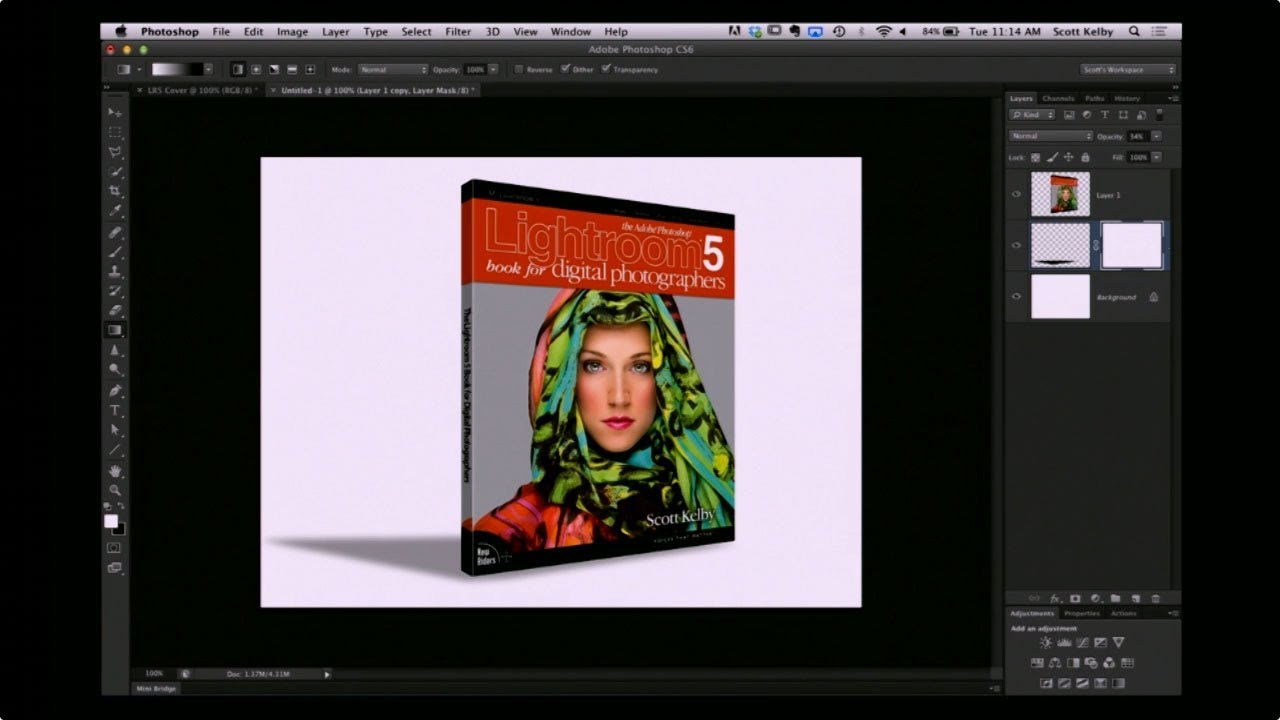
Every freelancer hits the moment where a client asks for a mockup and you have exactly one flat image, zero budget for a dedicated mockup tool, and a deadline measured in hours rather than days. That’s the situation I kept running into when clients wanted to see their book covers, product boxes, or packaging “in context” before going to print. I’d either be hunting through free mockup sites hoping something roughly matched the dimensions, or worse, trying to wrangle Photoshop’s actual 3D workspace, which – for a task this simple – is like renting a forklift to move a couch.
Stop Wrecking Your Colors When You Upload to the Web (A Save for Web Breakdown)

Stop Wrecking Your Colors When You Upload to the Web (A Save for Web Breakdown)

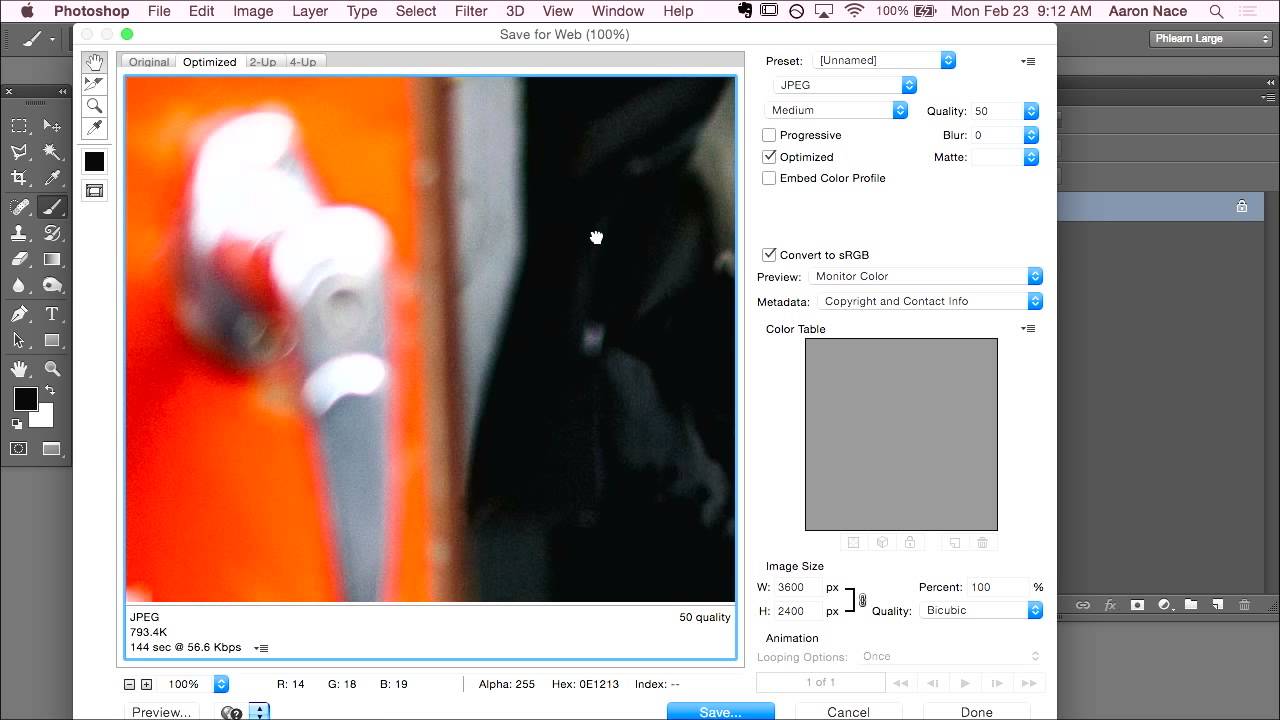
There’s a specific kind of frustration that hits when you’ve spent hours getting an image exactly right in Photoshop, colors dialed in, everything crisp and intentional, and then you upload it somewhere and it looks like a slightly sad version of itself. Washed out, weird, wrong. I ran into this constantly when I was starting out doing freelance work, mostly because I had no idea that the color space I was editing in and the color space browsers actually display are two completely different things.

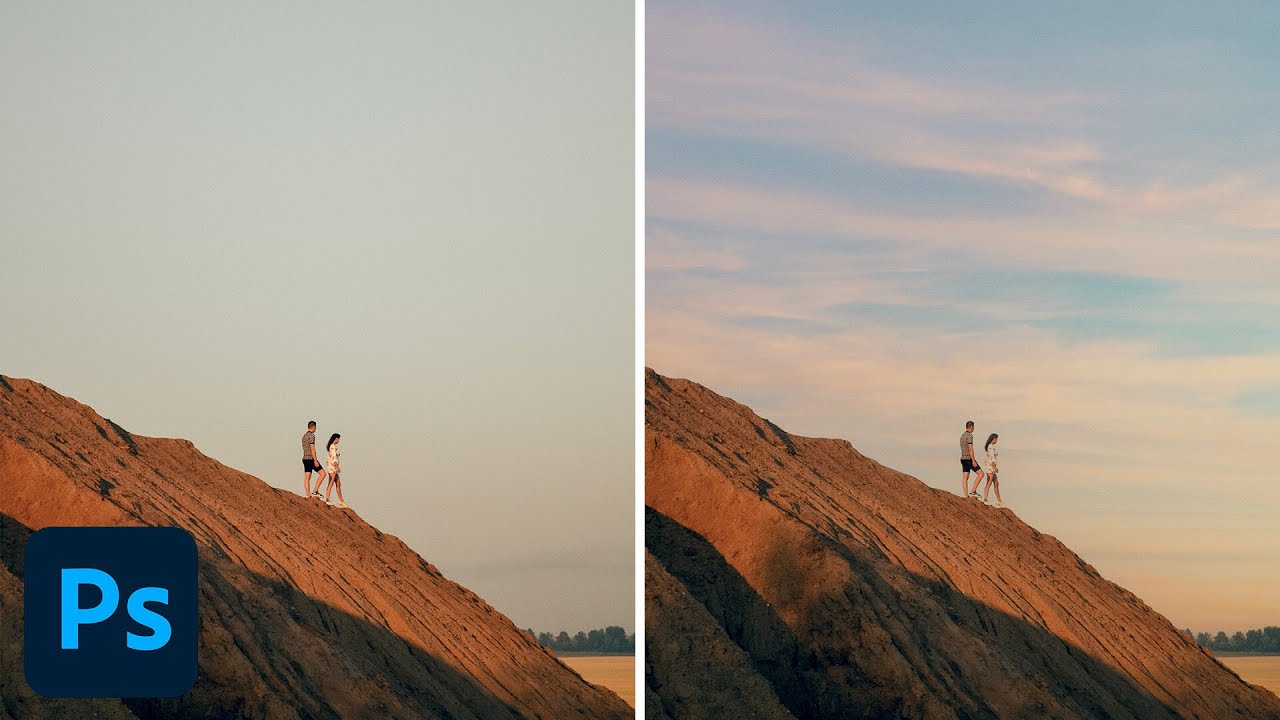
Stop Settling for Boring Skies: Photoshop's Sky Replacement Tool Is Better Than You Think

Stop Settling for Boring Skies: Photoshop's Sky Replacement Tool Is Better Than You Think

I used to spend embarrassing amounts of time hand-masking skies. We’re talking careful pen tool work, refine edge passes, the whole ritual. Then a friend watched me do it, said nothing, and later sent me a screenshot of a finished composite that took him 20 minutes. I had spent three days on mine. That specific kind of humiliation is what motivates me to actually learn the tools Photoshop has already built for me.

Stop Editing Photos One at a Time: How Batch Processing Saved My Freelance Sanity

Stop Editing Photos One at a Time: How Batch Processing Saved My Freelance Sanity

Last spring I picked up a product photography gig that seemed straightforward enough. Two hundred product shots, clean white background, consistent color grade, client needed them by Friday. I said yes, quoted a fair price, and sat down Monday morning at my usual corner table at Epoch Coffee with what I thought was plenty of time. By Tuesday afternoon I had edited 40 images by hand. Forty. In six hours. The math on that was not doing me any favors.

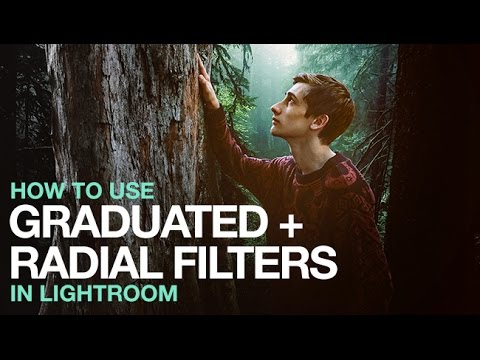
Stop Editing Your Whole Photo: How Graduated and Radial Filters in Lightroom Changed My Workflow

Stop Editing Your Whole Photo: How Graduated and Radial Filters in Lightroom Changed My Workflow

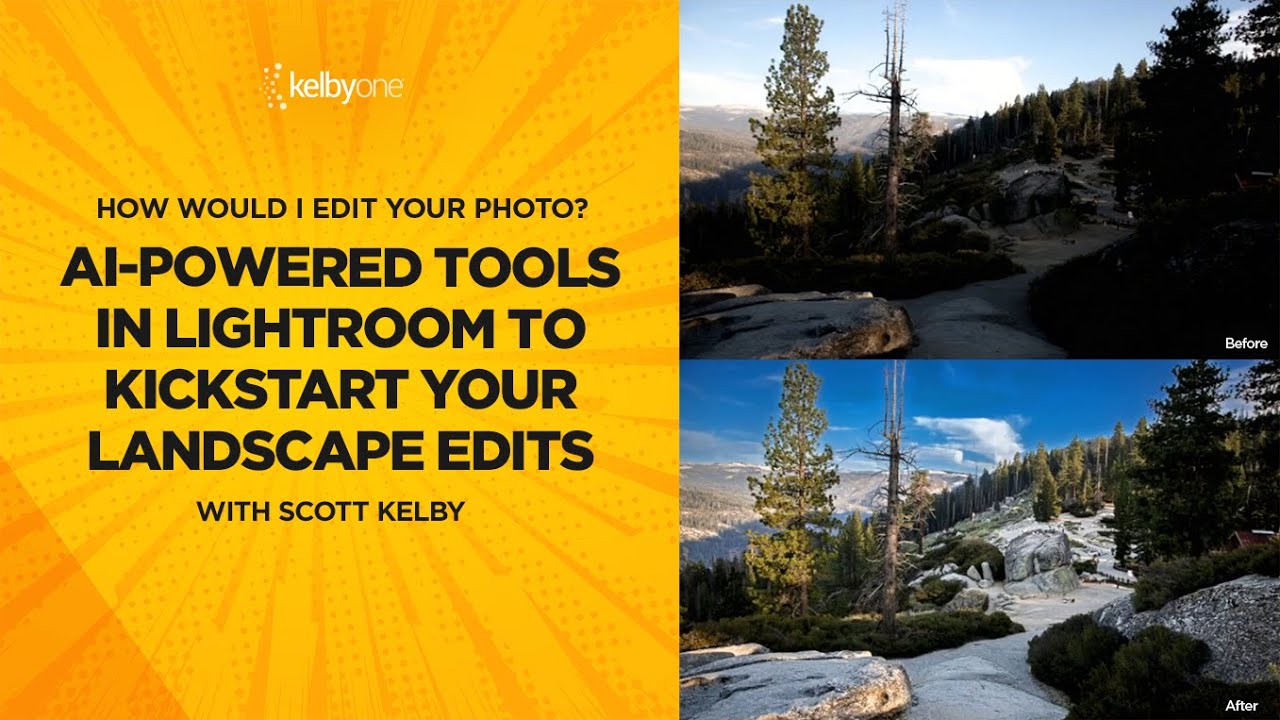
There’s a specific kind of frustration that comes from pulling your exposure slider in Lightroom and watching the entire image blow out just to save the sky. You wanted to brighten the foreground. Instead you’ve nuked everything. I spent way too long in my early freelance days doing exactly that, then compensating with a pile of overlapping masks in Photoshop, wondering why the whole thing felt like overkill. Turns out, Lightroom has had a cleaner answer built right into it the whole time.

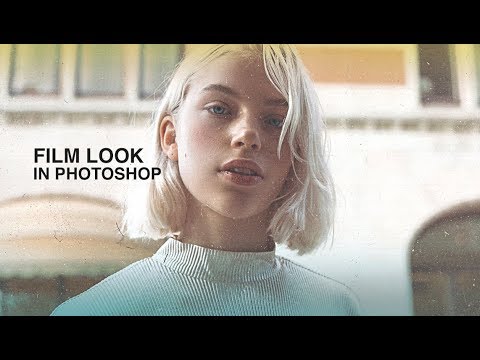
Give Your Photos That Gritty Film Look Using Photoshop Blend Modes and Dust Textures

Give Your Photos That Gritty Film Look Using Photoshop Blend Modes and Dust Textures

I shoot a lot of product and lifestyle work, and somewhere between “clean and sharp” and “actually interesting,” there’s a sweet spot that analog film textures can unlock. Not because it looks like real film – it doesn’t, and anyone who tells you otherwise is lying – but because a little grain, a little dust, a little edge color does something to a photo that no amount of contrast sliders can replicate.

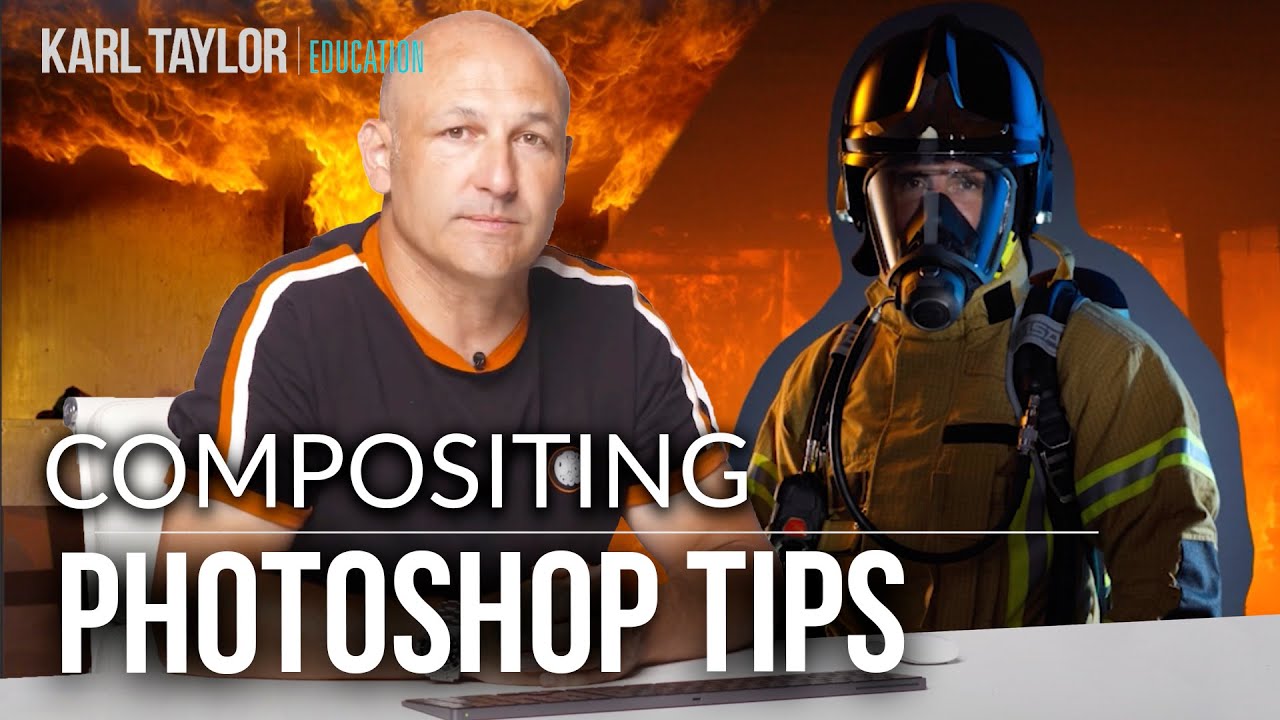
Photoshop Compositing Isn't Magic — It's Just Planning (Plus These Specific Techniques)

Photoshop Compositing Isn't Magic — It's Just Planning (Plus These Specific Techniques)

I spent three days on a composite once. Three full days, mostly at a coffee shop on South Congress, burning through oat milk lattes and my own patience. A friend looked at it, asked if I’d tried a specific blending technique, and rebuilt something better in about twenty minutes. I had not tried that technique. I did not know that technique existed. That experience basically rewired how I approach learning compositing — I now seek out people who clearly know things I don’t, and I pay close attention.

Shadow Density: The One Variable That Makes or Breaks the Mood of Any Photo

Shadow Density: The One Variable That Makes or Breaks the Mood of Any Photo

I used to think mood in a photo was some vague, mystical thing. Like, either a shot had atmosphere or it didn’t, and if it didn’t, you threw a moody preset at it and hoped for the best. That worked about 30% of the time and made everything look like a 2014 Instagram filter the other 70%. It wasn’t until I started paying attention to what’s actually happening in the shadow areas of an image that things clicked for me.

Adobe's Quiet Game-Changer: Taming Those Pesky White Halos in Lightroom

Adobe's Quiet Game-Changer: Taming Those Pesky White Halos in Lightroom

Adobe’s Quiet Game-Changer: Taming Those Pesky White Halos in Lightroom I’ve been editing photos long enough to know that sometimes the best features arrive without fanfare. Adobe’s latest Lightroom Classic update included something that doesn’t sound revolutionary on paper—some new sliders buried inside the AI masking tools—but trust me, if you’ve ever fought with white halos around mountain peaks or tree lines, you’re about to have a very good day.

Stop Fighting Lightroom's Auto Button - Let the AI Do the Heavy Lifting First

Stop Fighting Lightroom's Auto Button - Let the AI Do the Heavy Lifting First

There’s a certain type of editor who loves suffering. They open a raw file, every slider sitting at zero, and they start manually nudging exposure up by 0.35, then shadows up a little, then back down, then highlights, and forty-five minutes later they have something that looks roughly like what the AI would’ve given them in two seconds. I was that editor. I thought manually touching every slider meant I was being a real craftsman.

How to Add a Picture-in-Picture Video Inset in Photoshop (Without It Looking Terrible)

How to Add a Picture-in-Picture Video Inset in Photoshop (Without It Looking Terrible)

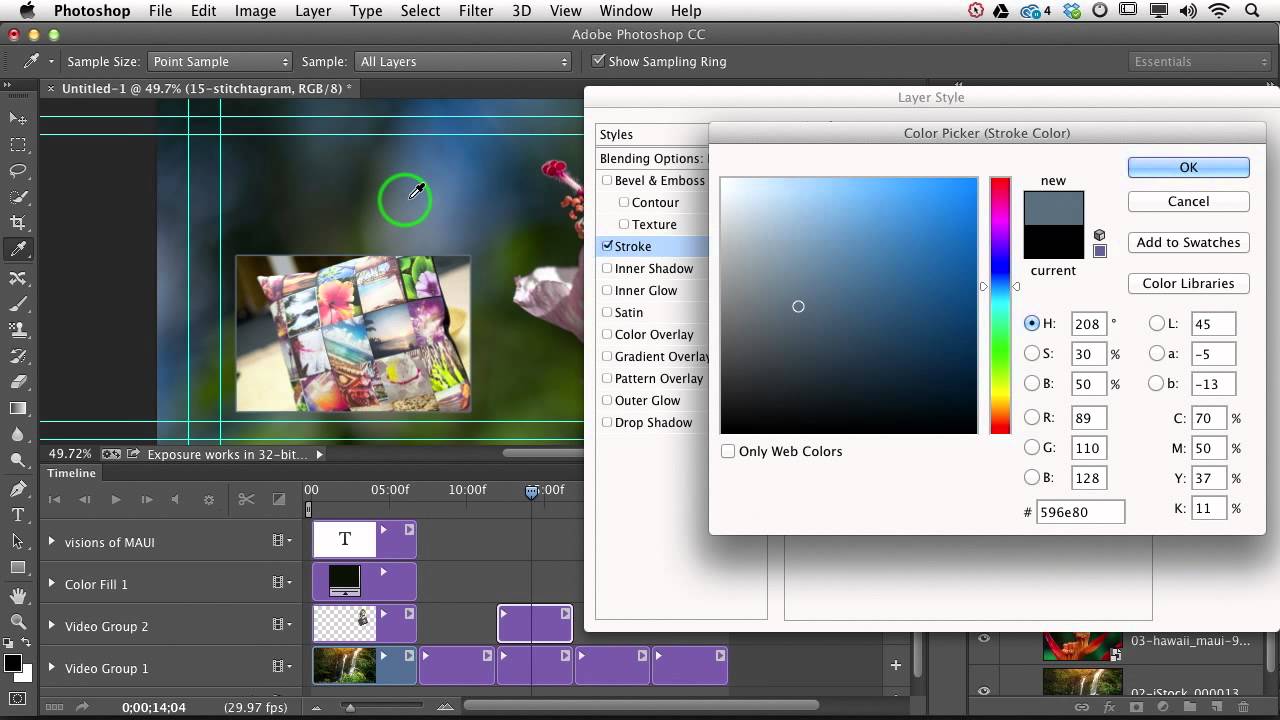
Client work has a way of humbling you fast. I can’t count the number of times someone has asked me for a “simple” video overlay and I’ve spent way too long fussing with positioning, scaling, and trying to make two video clips sit together without looking like a mid-2000s sports broadcast. The picture-in-picture format is one of those things that looks deceptively easy until you’re actually doing it and the inset clip is either the wrong size, sitting in a weird spot, or has that raw, unfinished edge that screams “I just dragged this here and hoped for the best.

Clone Stamp Secrets: How to Actually Fix Eyeglass Glare Without Making It Look Weird

Clone Stamp Secrets: How to Actually Fix Eyeglass Glare Without Making It Look Weird

Portrait retouching is full of small disasters, and eyeglass glare is one of the most common ones clients will actually notice. Nobody’s going to flag slightly off skin tone, but they will absolutely see a white blob where their eye is supposed to be. I’ve lost count of how many portrait shoots I’ve had to rescue in post because someone’s studio umbrella decided to park itself right in the middle of a subject’s lens.