Fake 3D Spaces in Photoshop: How Vanishing Point Turns Flat Images Into Something Wild

Fake 3D Spaces in Photoshop: How Vanishing Point Turns Flat Images Into Something Wild

I used to think Photoshop’s animation features were a niche curiosity for people with too much time and too little After Effects. Then a client asked me for a motion graphic, I quoted them something embarrassingly ambitious, and I spent the next two days rediscovering tools that had been sitting in the Filter menu the whole time. Vanishing Point is one of those tools. On the surface it looks like a perspective correction utility, something you’d use to fix a crooked building facade.
Camera Raw Just Got Focus Point Overlay and Bidirectional Gradients — Here's How to Use Them

Camera Raw Just Got Focus Point Overlay and Bidirectional Gradients — Here's How to Use Them

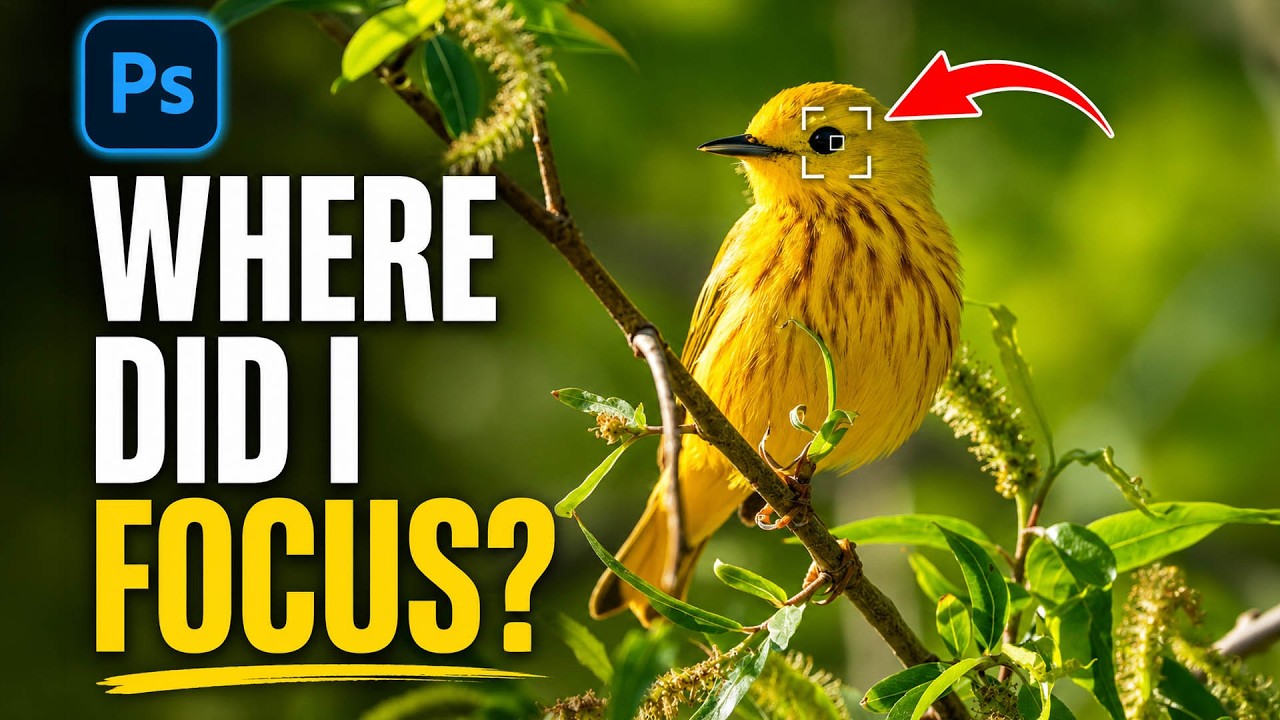
I’ll be honest about something embarrassing. I once delivered a batch of bird photos to a client, convinced I had nailed the focus on every single shot. Spoiler: I had not. The camera had decided a patch of blurry background grass was far more interesting than the actual bird, and I only found out after the client did. If I’d had a way to verify focus points inside my raw editor before exporting, that conversation never happens.

The Pixel Stretch Effect Nobody Taught Me (But Aaron Nace Did)

The Pixel Stretch Effect Nobody Taught Me (But Aaron Nace Did)

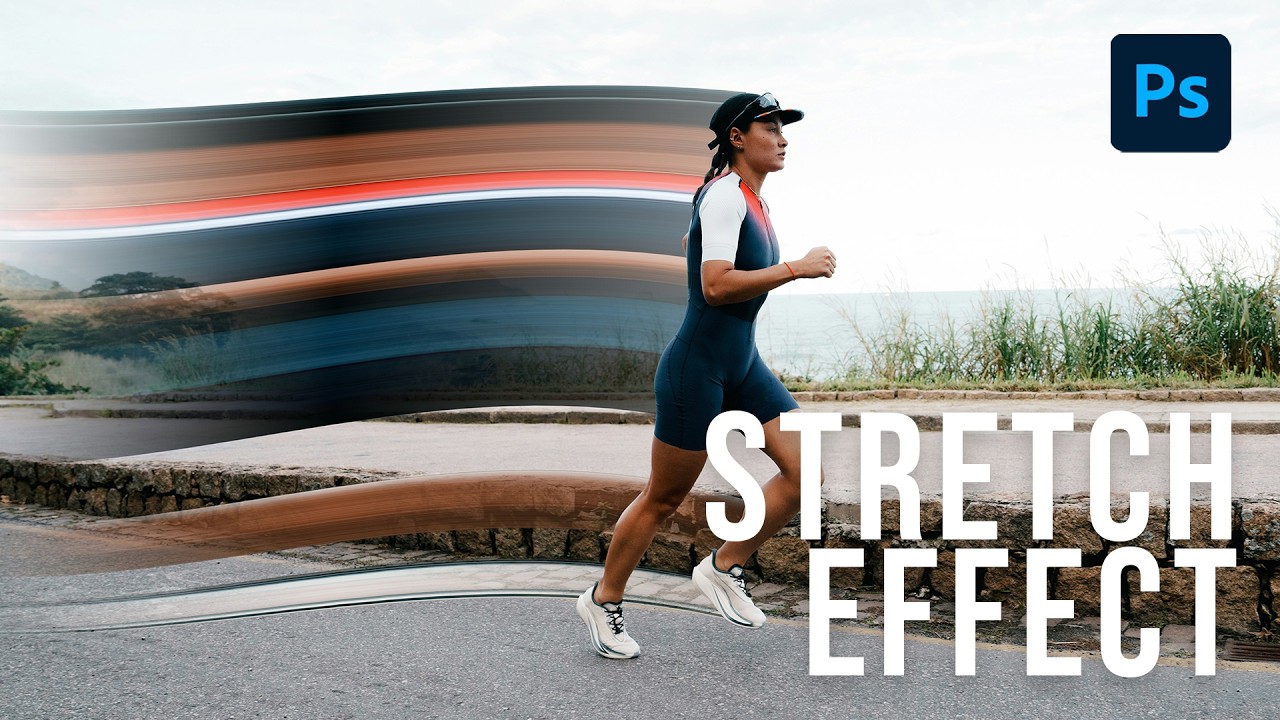
I’ve been making graphics professionally long enough that I should be embarrassed by how many Photoshop tools I’ve flat-out ignored. The single-column marquee tool was one of them. I knew it existed the way I know my gym membership exists – technically present, never used. Then I watched Aaron Nace’s pixel stretch tutorial over at PHLEARN and felt that specific flavor of frustration where a technique is so simple and so good that you’re annoyed you didn’t already know it.

When Photoshop Gets Too Good: NYC Mayor Takes Aim at Fake Property Photos

When Photoshop Gets Too Good: NYC Mayor Takes Aim at Fake Property Photos

The Real Estate Photoshop Problem Nobody Wanted to Talk About I’ve been watching this story unfold, and honestly? It was only a matter of time before someone in government got fed up with landlords using digital manipulation to deceive renters. New York City Mayor Zohran Mamdani just dropped a policy targeting what amounts to the real estate industry’s best-kept secret: making dingy apartments look like luxury penthouses through creative editing and AI enhancement.

Photoshop's Generative Fill Is Absurdly Good — Here's What It Actually Does

Photoshop's Generative Fill Is Absurdly Good — Here's What It Actually Does

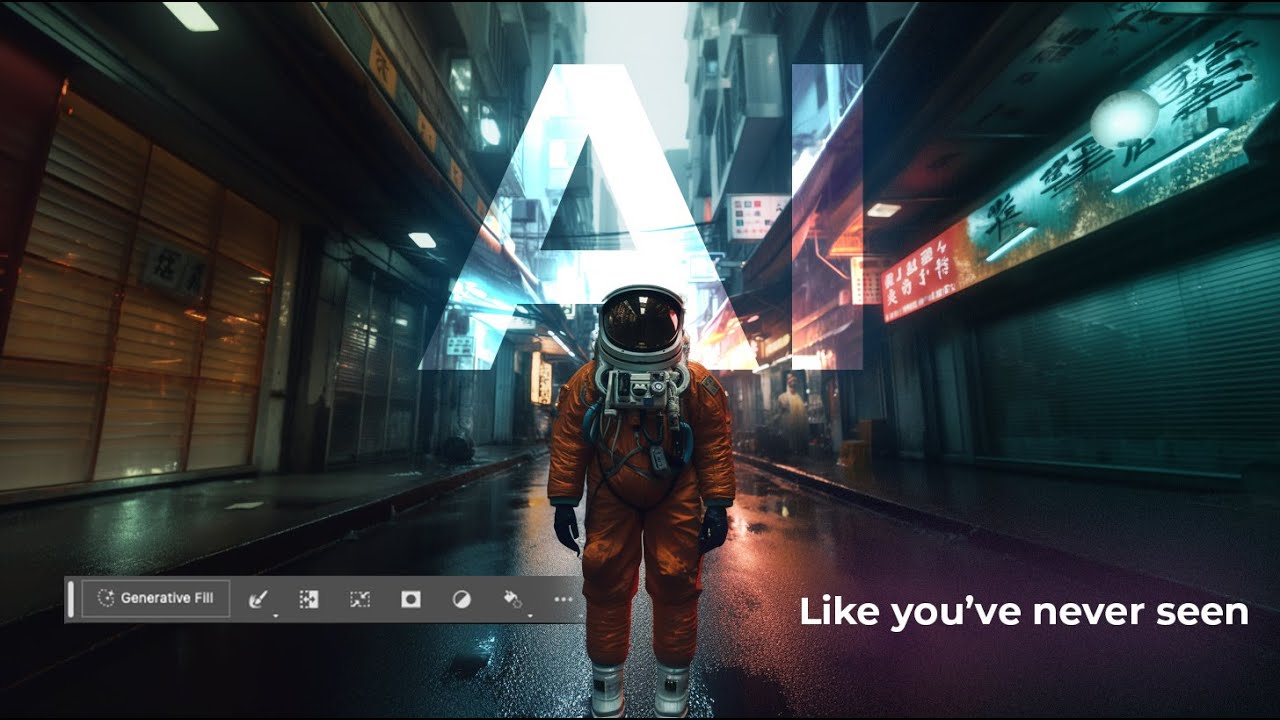
I’ll be honest with you. The first time someone told me Photoshop had shipped an AI fill tool that could generate entirely new content from a text prompt, I assumed it was the usual Adobe overpromise. I’ve been burned before. I sat through the Neural Filters rollout with genuine excitement and walked away using maybe one of them semi-regularly. So when Generative Fill started making the rounds in the beta version of Photoshop, I kept my expectations low and my skepticism high.

Stop Ruining Your Black and White Conversions: The Photoshop Calculations Method Nobody Talks About

Stop Ruining Your Black and White Conversions: The Photoshop Calculations Method Nobody Talks About

There’s a specific kind of embarrassment that comes from spending an hour trying to make a black and white conversion look cinematic, only to realize you’ve been using the worst possible method the whole time. I’ve been designing professionally long enough that I should know better, but I kept defaulting to Image > Mode > Grayscale like some kind of rookie. The result? Flat, lifeless, gray soup. Every single time. I’d then spend way too long pushing Curves and Levels trying to rescue it, from a terrible starting point.

Adobe Camera Raw in Photoshop Is Doing Heavy Lifting I Used to Do Manually (And I Feel Foolish)

Adobe Camera Raw in Photoshop Is Doing Heavy Lifting I Used to Do Manually (And I Feel Foolish)

I spent the better part of three years doing things the hard way in Photoshop. Manually painting masks for background blur. Dragging Hue/Saturation sliders trying to isolate a sky without torching the rest of the image. Stacking adjustment layers like I was building a skyscraper out of toothpicks. It worked, mostly, but it was slow and fragile. One wrong move and the whole thing collapsed. That’s actually how I learned about smart objects, after accidentally flattening a client’s project file and spending the next two hours trying to reconstruct it from a JPEG export.

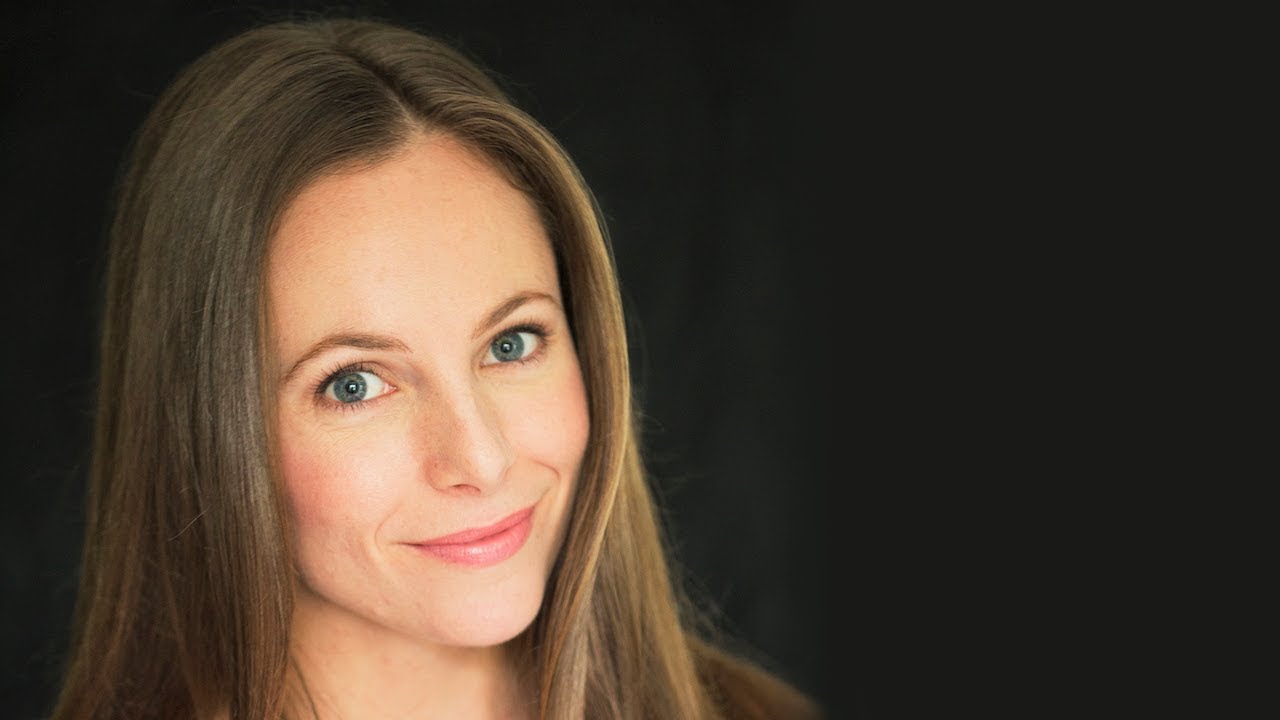
How to Stop Dark Hair from Disappearing Into Dark Backgrounds (A Photoshop Hair Highlighting Trick)

How to Stop Dark Hair from Disappearing Into Dark Backgrounds (A Photoshop Hair Highlighting Trick)

There’s a specific kind of frustration that hits when you’re retouching a portrait and the subject’s dark hair just… melts into a dark background. No separation, no dimension, no life. You’ve done everything right technically, and somehow the image still looks flat and muddy around the edges. I’ve been there more times than I’d like to admit, usually sitting in some coffee shop squinting at my laptop screen trying to figure out why a perfectly good photo looks like the subject is slowly being absorbed into a void.

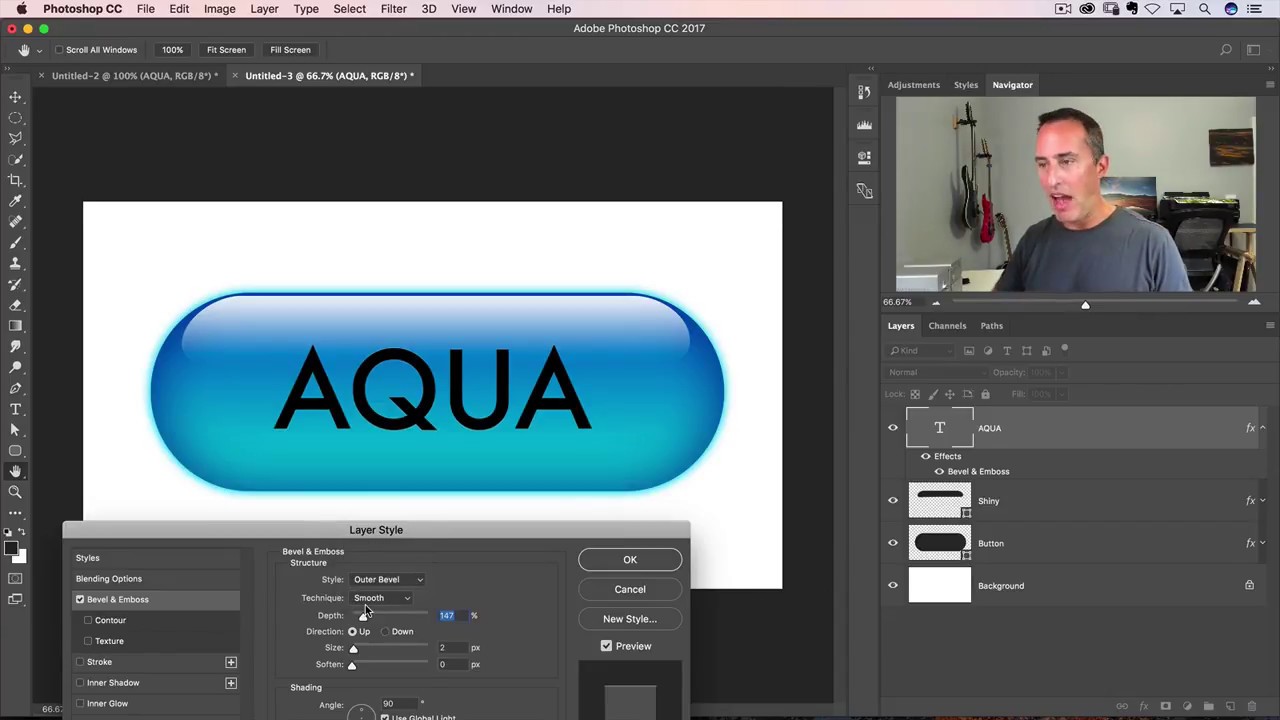
How to Make a Glossy Aqua Button in Photoshop (Yes, It Still Rocks)

How to Make a Glossy Aqua Button in Photoshop (Yes, It Still Rocks)

I got my start making terrible graphics in MS Paint for anyone who’d sit still long enough to watch. Buttons, badges, fake logos – I thought I was a genius. Then I discovered Photoshop and realized I had been finger-painting while other people were doing oil portraits. One of the first effects that genuinely made my jaw drop was the aqua button – that glassy, pill-shaped thing that was everywhere during the early Mac OS era.

How to Make Any Design Look Like a Real Tattoo in Photoshop (Without Owning a Needle)

How to Make Any Design Look Like a Real Tattoo in Photoshop (Without Owning a Needle)

Client work has a way of throwing curveballs you didn’t see coming. I’ve had more than a few people slide into my DMs asking for a “quick” tattoo mockup, usually with a logo they made in Illustrator, a reference photo of someone’s arm, and the energy of someone who thinks this takes about four minutes. The truth is, slapping a design onto skin and calling it done looks terrible. The lines are too perfect, the contrast is wrong, and it screams “I copied and pasted this.

The Photoshop Shortcuts I Use Every Single Day (And the Ones I Wish I'd Learned Sooner)

The Photoshop Shortcuts I Use Every Single Day (And the Ones I Wish I'd Learned Sooner)

I once watched a client sit next to me during a revision session and physically wince every time I reached for the menu bar. He didn’t say anything. He just sat there, quietly suffering, as I clicked through Edit > Transform > Scale like some kind of animal. After the third time, he finally said, “Do you not know Ctrl+T?” Reader, I did not know Ctrl+T. That was about six years ago.

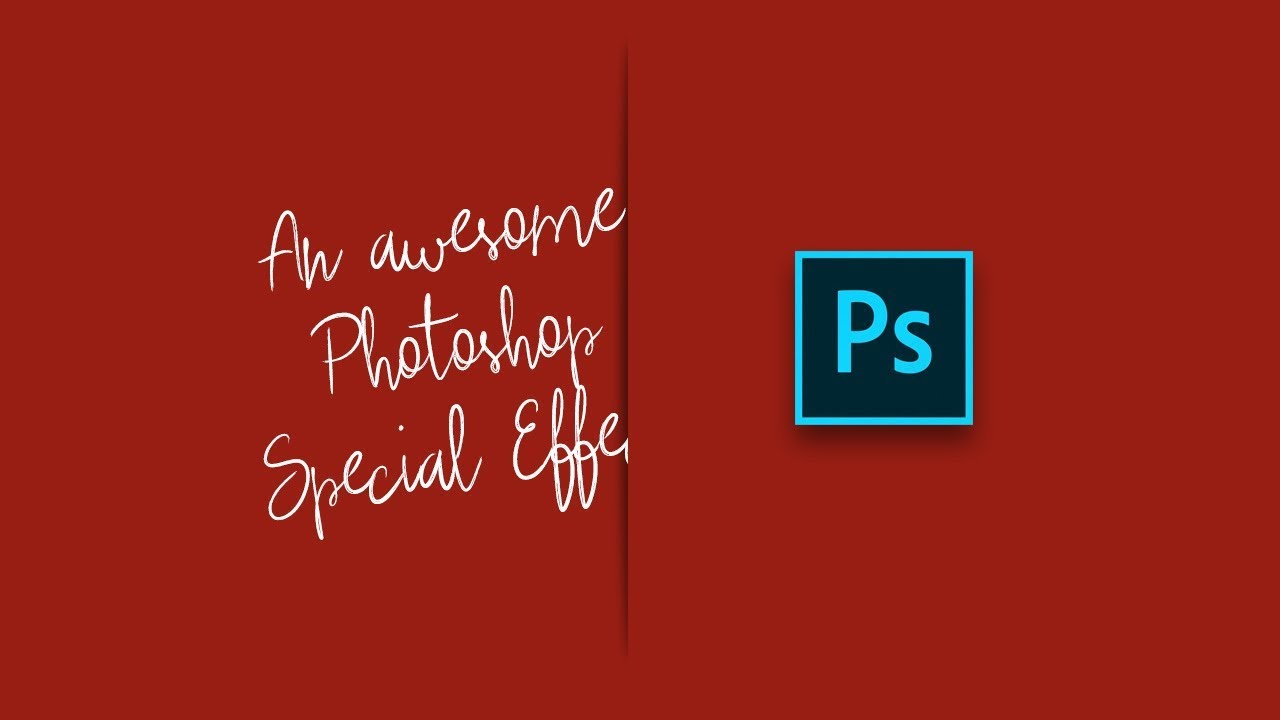
The Paper Slit Effect: A Clever Holiday Photoshop Trick You Can Pull Off in 15 Minutes

The Paper Slit Effect: A Clever Holiday Photoshop Trick You Can Pull Off in 15 Minutes

Every December I end up scrambling for last-minute holiday graphics. Social posts, promo banners, gift guides, you name it. And every year I default to the same tired snowflake overlays and gradient red backgrounds that look like everyone else’s work. So when I came across this Scott Kelby tutorial, I stopped scrolling pretty fast. The technique is deceptively simple: you make it look like a gift card or product is physically peeking through a slit cut into paper.