From Flat to Finished: Scott Kelby's Intermediate Lightroom Workflow (With a Photoshop Assist)

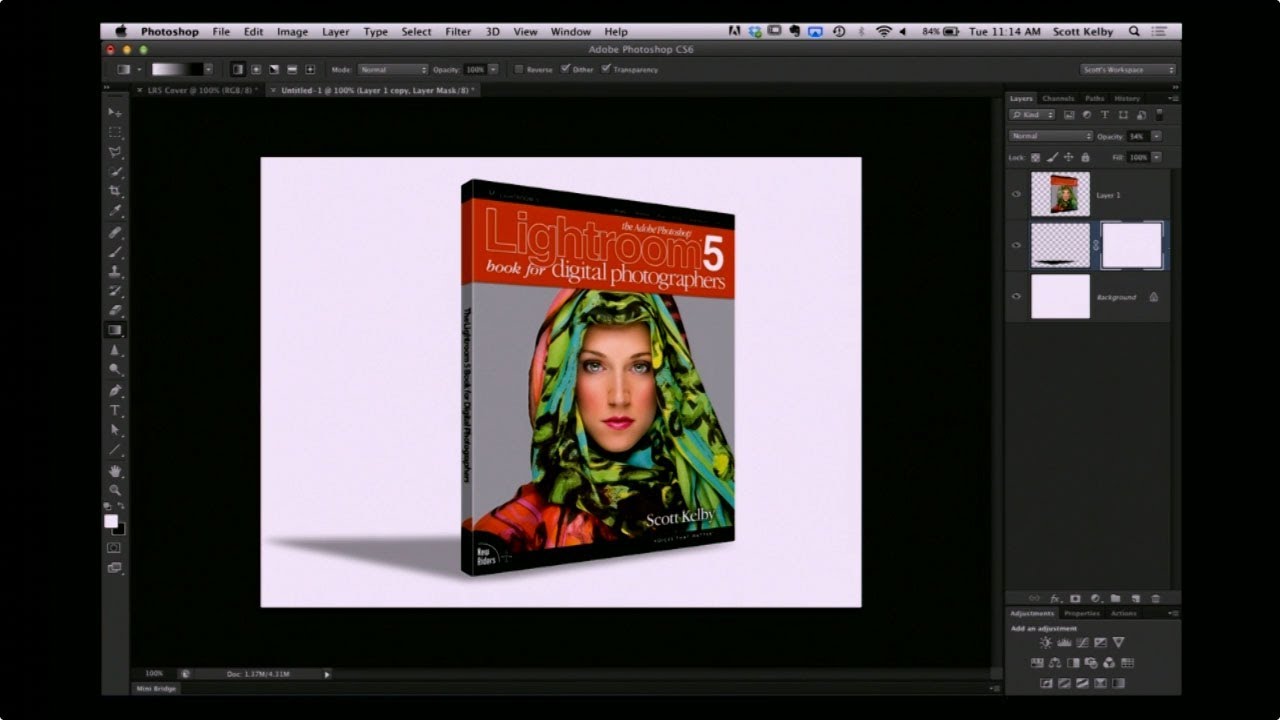
From Flat to Finished: Scott Kelby's Intermediate Lightroom Workflow (With a Photoshop Assist)

There’s a specific kind of photo that lives on every photographer’s hard drive. Not the hero shot. Not the portfolio piece. The “I was walking by and this looked interesting” shot. The one you almost delete but don’t, because something about it nags at you. I have a folder full of those, and for a long time I treated them as lost causes, spending all my energy on the obvious winners and ignoring everything else.

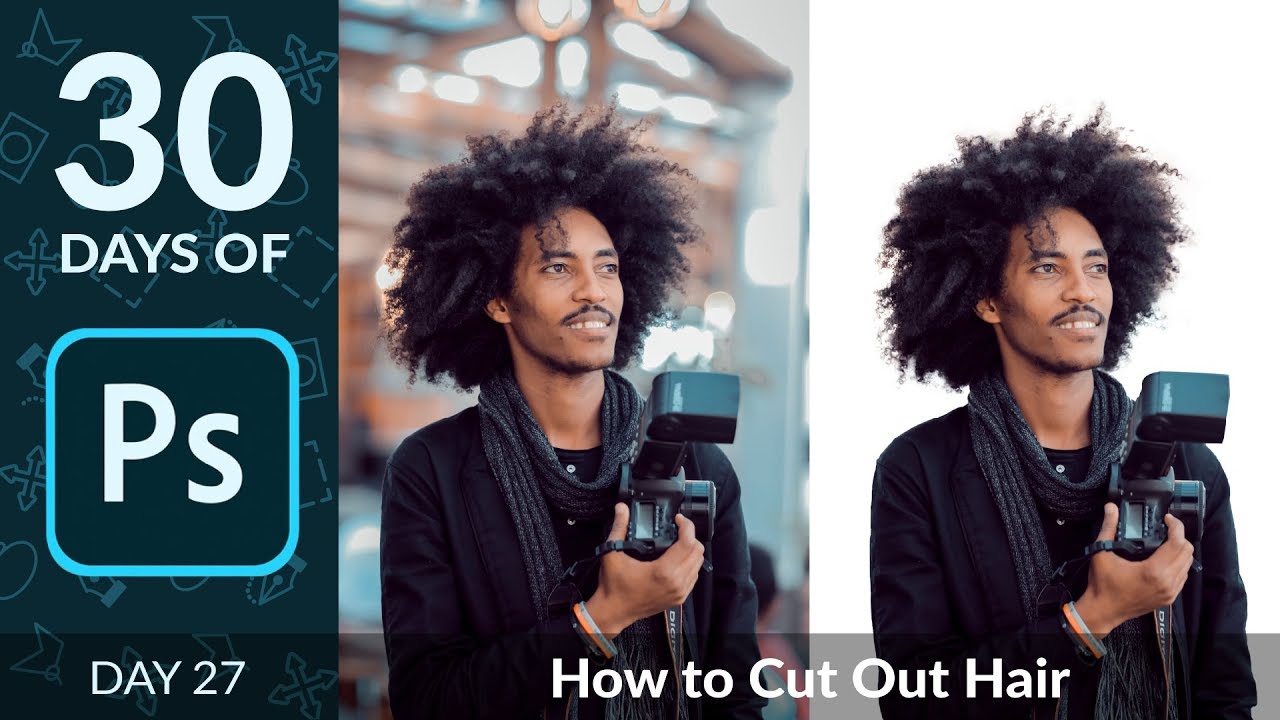
Stop Ruining Your Composites: How to Kill Halos and Fringes in Photoshop

Stop Ruining Your Composites: How to Kill Halos and Fringes in Photoshop

There’s a special kind of frustration reserved for spending an hour on a composite, stepping back to admire your work, and realizing there’s a glowing halo around every single tree. I’ve been there more times than I want to admit. You nail the selection, you paste in the new sky, and then that thin bright ring shows up like your Photoshop is personally trying to embarrass you. It’s one of those problems that’s easy to miss at 50% zoom and impossible to unsee once you spot it.

Stop Fearing the Pen Tool: A Practical Walkthrough for Photoshop and Illustrator

Stop Fearing the Pen Tool: A Practical Walkthrough for Photoshop and Illustrator

I spent an embarrassing amount of time avoiding the pen tool. Like, years. I’d use Quick Selection, Magic Wand, even painstakingly hand-erase backgrounds rather than sit down and learn the thing properly. My workarounds worked well enough until they didn’t, and the day a client asked me to cleanly isolate a product shot with a ton of curved edges, I finally had to face the music. The pen tool is the professional standard for outlining and masking complex shapes, and every hour you spend avoiding it is an hour you’re leaving quality on the table.

How to Actually Find and Shoot Waterfall Photos (Instead of Just Driving to Obvious Ones)

How to Actually Find and Shoot Waterfall Photos (Instead of Just Driving to Obvious Ones)

Most of my Photoshop work lives in the post-processing phase. I’m the guy who gets handed a raw file and is expected to make something beautiful out of it, which means I’ve developed a pretty warped view of photography. I tend to underestimate how much the shot itself matters because, hey, I can fix it in post, right? Wrong. Embarrassingly wrong, actually. The more time I spend working on landscape files, the more I realize that the photographers who give me the cleanest, most intentional raw files to work with are the ones who thought hard about composition before they ever touched a shutter button.

Your Landscape Photos Look Flat Because You're Ignoring Atmospheric Perspective (Here's the Fix)

Your Landscape Photos Look Flat Because You're Ignoring Atmospheric Perspective (Here's the Fix)

There’s a specific kind of disappointment that hits when you open a photo that felt incredible to shoot and it just… sits there on your screen looking lifeless. No drama, no depth, nothing pulling you in. I’ve been there more times than I’d like to admit, and for a long time I blamed the light, or the lens, or some vague cosmic unfairness. Turns out the problem was usually in how I was processing the file, specifically the fact that I was treating the whole image as one flat thing instead of a scene with actual distance in it.

Photoshop World 2004: What the Conference Floor Taught Me About the Tools I Was Ignoring

Photoshop World 2004: What the Conference Floor Taught Me About the Tools I Was Ignoring

I’ve been doing freelance design work long enough to know that most of what I’ve learned didn’t come from manuals. It came from watching someone else work and thinking, “wait, you can just DO that?” That’s the whole premise behind Photoshop World, the conference that pulls together photographers, designers, retouchers, and every flavor of creative in between to do exactly that. Share what they know. In Watch the full tutorial on YouTube, Scott Kelby sends Photoshop legend Bert Monroy to walk the floor of Photoshop World 2004 in San Francisco, and what Bert captures isn’t just product demos.

How to Turn Flat Website Screenshots into Slick 3D Mockups with Photoshop CS4 Extended

How to Turn Flat Website Screenshots into Slick 3D Mockups with Photoshop CS4 Extended

There’s a specific flavor of design panic that hits when a client asks for a “visually interesting” website presentation and all you’ve got is a flat screenshot and a deadline. I’ve been there more times than I’d like to admit, usually on my third coffee in whatever shop I’ve claimed as my office that morning. The fix, it turns out, doesn’t require you to be a 3D wizard or spend four hours rage-quitting Blender (speaking from vivid personal experience).

Fake It Till You Make It: Creating Convincing 3D Textures in Photoshop Without a 3D App

Fake It Till You Make It: Creating Convincing 3D Textures in Photoshop Without a 3D App

There’s a specific kind of client request that used to send me into a quiet spiral of dread. “Can you make the text look… dimensional? Like it’s actually part of the wall?” Sure, I’d say. Absolutely. Then I’d spend two hours nudging drop shadows around and delivering something that looked like a PowerPoint slide from 2009. The problem wasn’t effort. It was that I was reaching for the wrong tools entirely.

Stop Settling for Boring Skies: A Practical Photoshop Sky Swap Walkthrough

Stop Settling for Boring Skies: A Practical Photoshop Sky Swap Walkthrough

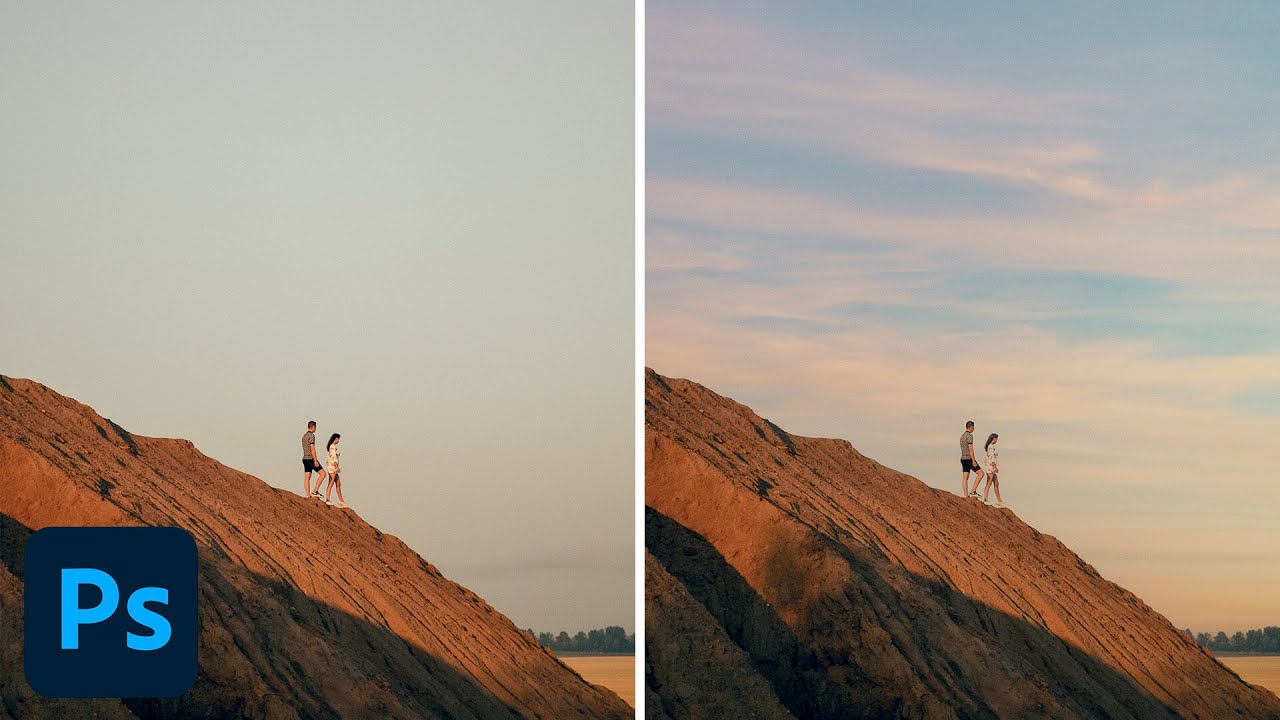
A few years back I spent the better part of a Tuesday stressing over a landscape composite for a client. The photo was solid — good light, interesting subject — but the sky was that flat, washed-out grey that makes everything look like it was shot in a Walmart parking lot. I knew the fix existed somewhere in Photoshop. I just didn’t know the clean way to do it without spending three hours masking individual clouds by hand like some kind of caffeinated monk.

Your Website Just Got a Bouncer: How Cloudflare's New AI Filter Changes the Game

Your Website Just Got a Bouncer: How Cloudflare's New AI Filter Changes the Game

Your Content Isn’t Free Real Estate Anymore I’ve been watching the whole AI training debacle unfold like a bad reality TV show, and honestly? Things just got way more interesting. Cloudflare—you know, those folks who basically keep half the internet from melting down—just announced they’re giving websites actual teeth to fight back against AI companies using their content without permission. Here’s the deal: Cloudflare’s rolling out a feature that lets you filter out web crawlers specifically designed to feed AI models.

Finally! Lightroom Classic Gets a Duplicate Finder (And Why You Should Be Careful With It)

Finally! Lightroom Classic Gets a Duplicate Finder (And Why You Should Be Careful With It)

Adobe Finally Listens to Years of Complaints You know that feeling when you import photos and realize you’ve accidentally duplicated half your shoot? Yeah, photographers have been begging Adobe to fix that headache for what feels like forever. Well, good news: Lightroom Classic just got a Duplicate Finder feature, and it’s actually pretty solid. But here’s the thing—just because the tool exists doesn’t mean you should go full scorched-earth on your photo library.

How to Edit a Live Concert Like a Film (And Why Your Current Approach Probably Looks Like a Broadcast Feed)

How to Edit a Live Concert Like a Film (And Why Your Current Approach Probably Looks Like a Broadcast Feed)

I spend most of my professional life in Photoshop, but every so often a project lands in my lap that pulls me outside that comfort zone. Last month it was a short promo film for a local Austin venue — three camera angles, live audio recorded on a Zoom H6, and the expectation that I’d stitch it into something that looked intentional. What I delivered was… fine. Functional. It looked exactly like what it was: a guy who edits graphics for a living pretending he knows how to cut video.