Making Rain in Photoshop That Actually Looks Like Rain (Not TV Static)

Making Rain in Photoshop That Actually Looks Like Rain (Not TV Static)

There’s a certain kind of client request that makes every freelance designer’s eye twitch a little: “Can you just make this photo look more dramatic?” No notes, no reference image, just vibes. I’ve been handed sunny, flat, completely unremarkable stock photos and asked to make them feel cinematic. Rain is one of the fastest ways to get there, and for a long time I was doing it the slow, ugly way.

Stop Waiting for Perfect Light — Shoot Wide Open Instead

Stop Waiting for Perfect Light — Shoot Wide Open Instead

There’s a specific kind of creative block I run into about once a month. I’ve got a shoot, I’ve got a location, and nothing looks interesting. I’m staring at perfectly fine subject matter thinking “this is fine” while producing work that is, in fact, extremely fine. Mediocre. Safe. The kind of stuff that fills a hard drive and never sees the light of a portfolio. The fix, more often than not, isn’t a new plugin or a fancier Photoshop technique.

Your Photoshop Workspace Is Costing You Time — Here's How to Fix It in 20 Minutes

Your Photoshop Workspace Is Costing You Time — Here's How to Fix It in 20 Minutes

I once watched myself spend six minutes looking for the Properties panel during a client screen share. Six minutes. The client was on the call. I was clicking through every nested panel group like a raccoon digging through trash, making small apologetic noises while my billable hour evaporated in real time. That was the day I stopped treating workspace setup as something I’d “get to eventually” and started treating it like the actual work.

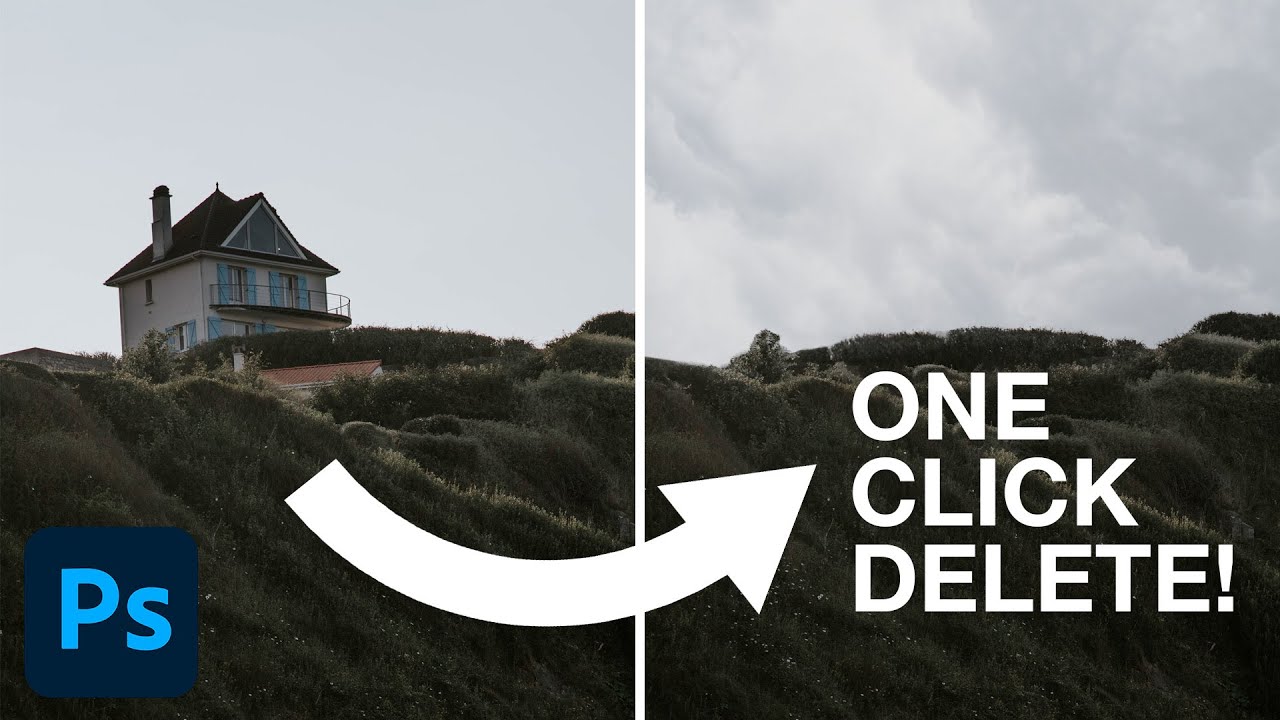
Stop Faking It: How to Actually Change a Background in Photoshop Without It Looking Like a Middle School Collage

Stop Faking It: How to Actually Change a Background in Photoshop Without It Looking Like a Middle School Collage

Background swapping is one of those Photoshop jobs that sounds simple until you’re three hours deep, your subject looks like they were cut out with safety scissors, and the client is asking for “just a quick update.” I’ve been there more times than I care to admit. The dirty secret is that pulling a clean selection is only half the battle. The part most tutorials skip is making the foreground belong in the new background.

Stop Telling Beginners They Need Photoshop (They Really Don't)

Stop Telling Beginners They Need Photoshop (They Really Don't)

Stop Telling Beginners They Need Photoshop (They Really Don’t) I spent years watching the same tired advice get recycled in every photography forum on the internet. A nervous beginner posts their first edit, asks for constructive feedback, and without fail, some keyboard warrior responds with: “You need to learn Photoshop if you want to be a real photographer.” I used to believe this myself. Back in 2012, it felt like gospel truth.

Fake Shadows That Actually Fool People: What I Learned From Kelvin Designs

Fake Shadows That Actually Fool People: What I Learned From Kelvin Designs

There’s a specific kind of embarrassment that comes from sending a client a composite where the shadow falls in the completely wrong direction. The subject looks like they’re lit from the left, and the shadow is pointing left too. Rookie mistake, but I made it more than once before I started being deliberate about it. Shadows are one of those things that your eye catches immediately when they’re wrong, even if the person looking can’t explain why the image feels off.

Adobe Camera Raw Just Quietly Got Way Better at Complex Edges (And Nobody's Talking About It)

Adobe Camera Raw Just Quietly Got Way Better at Complex Edges (And Nobody's Talking About It)

The Update Nobody’s Celebrating Yet I stumbled onto something in Adobe Camera Raw last week that made me genuinely excited—which, let’s be honest, doesn’t happen often with software updates. While everyone’s been distracted by whatever shiny new feature Adobe’s marketing team is pushing, two legitimately useful masking tools snuck into the latest version, and I’m convinced they’re about to change how we approach selective adjustments. Here’s the thing: these aren’t revolutionary in concept, but they’re revolutionary in execution.

Stop Working Destructively: Layer Techniques That Actually Save Your Skin

Stop Working Destructively: Layer Techniques That Actually Save Your Skin

The Mistake That Costs You an Hour Every Time Here’s a situation I’ve lived more times than I care to admit. You’re forty-five minutes into a retouching job, you’ve dodged and burned directly onto the background layer, sharpened everything, pushed the colors hard. The client emails back. “Can we go softer on the skin? Also can we see the original for comparison?” The original. Which you painted directly over. Which is gone.

How Game UI Design Inspires Better Photoshop Workflows

How Game UI Design Inspires Better Photoshop Workflows

Game Design Teaches Us About Digital Organization I’ve been thinking a lot lately about how video games handle seasonal content updates, and honestly? There’s something developers are doing right that we creatives should steal for our Photoshop workflows. Bungie just kicked off Marathon’s first open play week, and with it came a whole new season of content. What struck me wasn’t the gaming news itself—it was how elegantly they’ve structured their seasonal rollouts.

VSCO's Terms of Service: What Photographers Actually Need to Know

VSCO's Terms of Service: What Photographers Actually Need to Know

VSCO’s Terms of Use Are Raising Red Flags (Again) Here we go again. Just when we thought the photo platform drama had settled down after Adobe’s infamous Terms of Service debacle a couple years back, VSCO is now facing scrutiny over some of its own policy language. And honestly? Photographers are right to pay attention. If you’ve been living under a rock, let me catch you up: Adobe got absolutely roasted by the creative community when users discovered language suggesting the company could potentially use their uploaded content to train AI models without explicit permission.

RAW Brushes in Photoshop Are Doing Work I Didn't Know I Was Missing

RAW Brushes in Photoshop Are Doing Work I Didn't Know I Was Missing

I’ll be honest: for a long time I treated Adobe Camera Raw like a waiting room. You know, the place you sit in before you get to the “real” work in Photoshop. Open file, nudge exposure, click “Open Image,” never look back. It wasn’t until I watched a friend turn around a badly lit portrait in about eight minutes, entirely inside Camera Raw, that I started paying closer attention to what that workspace could actually do.

Stop Blowing Out Your Skies: How to Blend Exposures in Photoshop Like a Landscape Pro

Stop Blowing Out Your Skies: How to Blend Exposures in Photoshop Like a Landscape Pro

There’s a specific kind of frustration that comes with shooting a waterfall. You either get the water looking like liquid silk with a slow shutter speed, and your rocks and leaves turn into a motion-blurred mess, or you freeze everything sharp and the water looks like it’s made of plastic. For the longest time I thought the only fix was “get better at picking one.” Turns out the real fix is about five minutes of Photoshop work, and I’d been ignoring it because “exposure blending” sounded more complicated than it is.