The Lightroom Color Tool You've Been Scrolling Past (And Why That's a Mistake)

The Lightroom Color Tool You've Been Scrolling Past (And Why That's a Mistake)

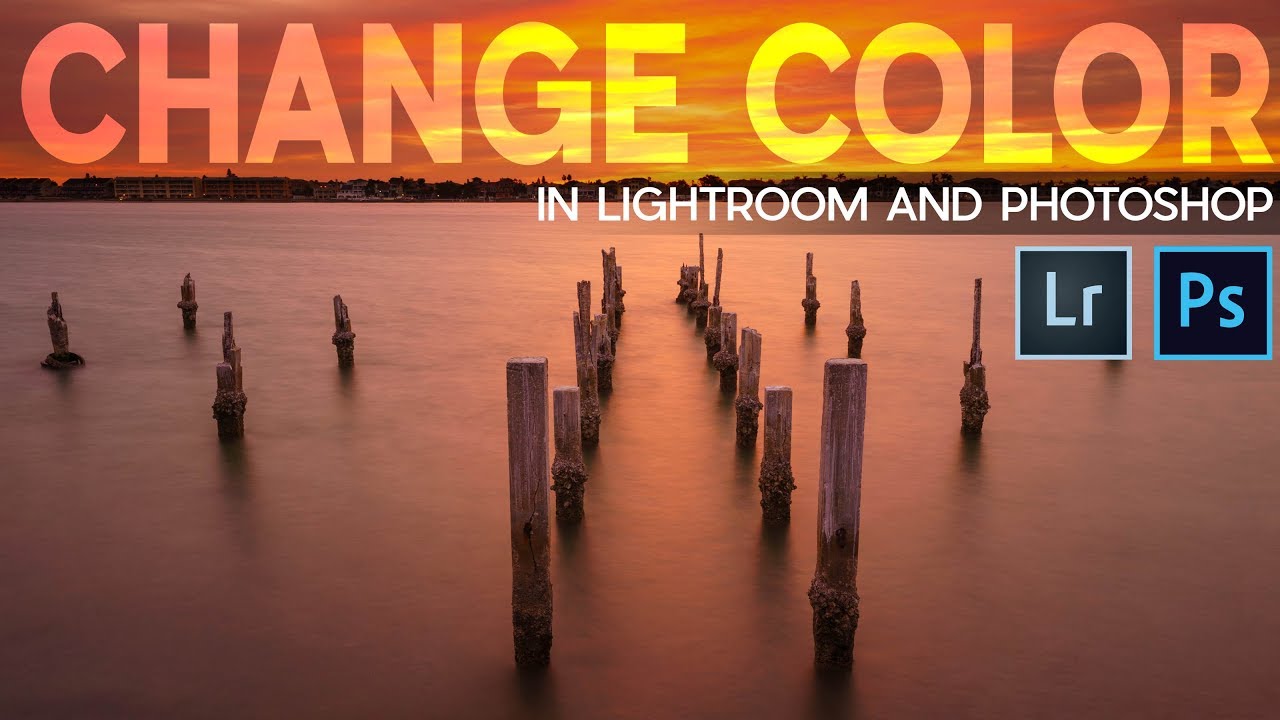
A few months ago I spent the better part of an afternoon trying to warm up a landscape shot using nothing but the Temperature slider. The result was technically warmer, sure, but it also looked like someone had smeared Velveeta across the sky. Everything shifted. The rocks, the shadows, the parts I didn’t even want touched. I ended up with a photo that looked like it was shot through a jaundiced window.

Stop Guessing With Color: A Practical Guide to Hue/Saturation in Photoshop

Stop Guessing With Color: A Practical Guide to Hue/Saturation in Photoshop

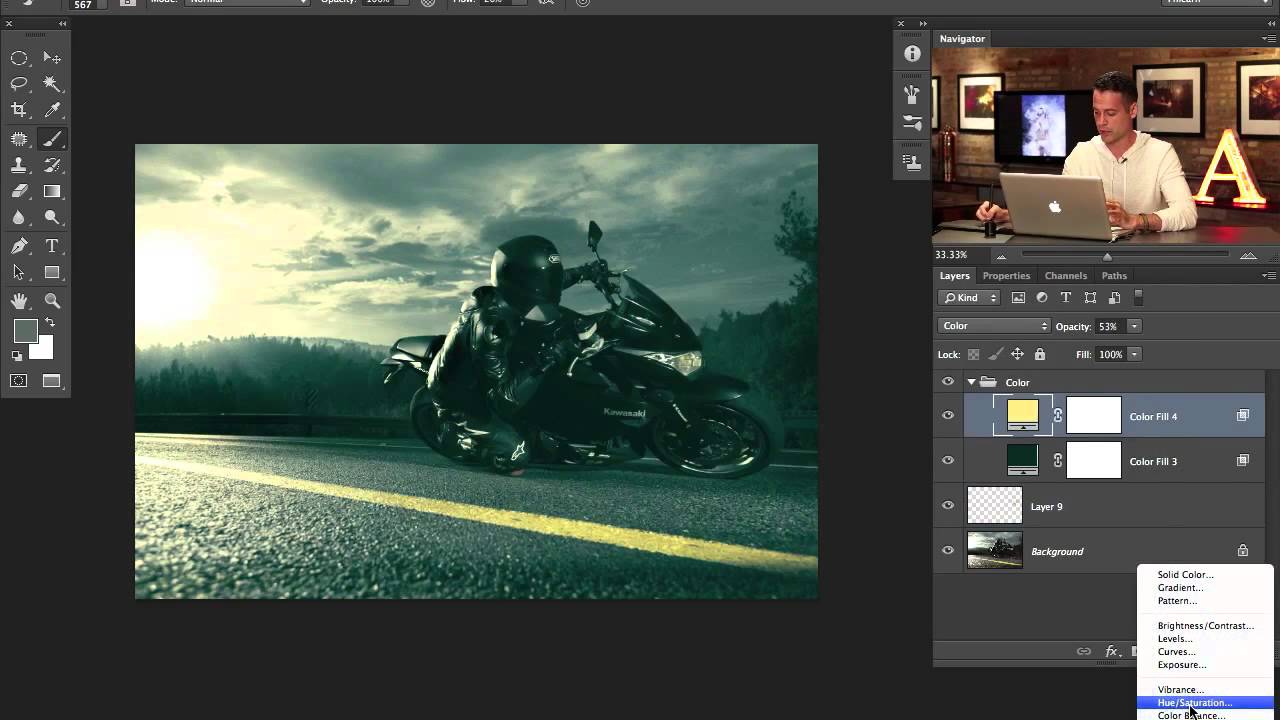
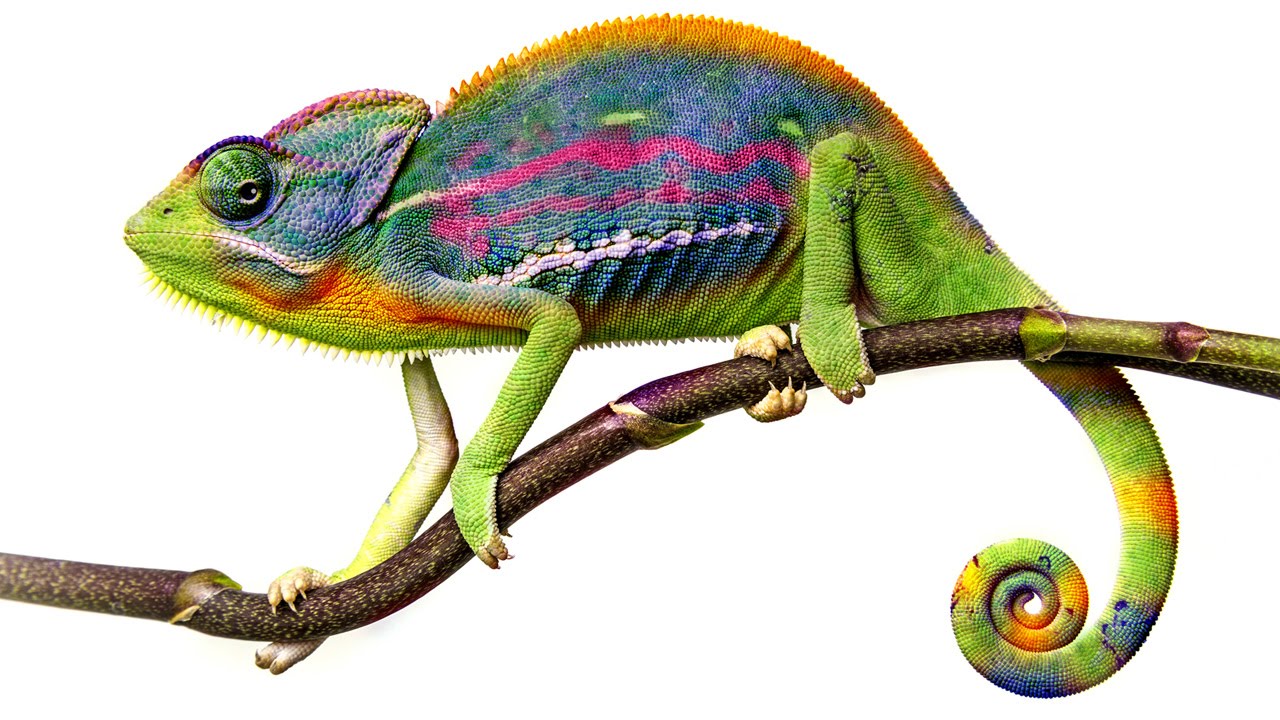
Color adjustments are where most beginners torch their files and don’t realize it until three saves later. I know because I spent years doing exactly that, flattening hue shifts directly onto background layers and then wondering why I couldn’t refine anything without starting over. The whole workflow felt fragile, like editing in pen instead of pencil. In this Aaron Nace (PHLEARN) tutorial, he walks through the Hue/Saturation tool from the ground up, and what makes it worth your time isn’t just the “move slider, color changes” part.

Why Your Text Effects Look Flat (And the Layer Style Stacking Order That Fixes It)

Why Your Text Effects Look Flat (And the Layer Style Stacking Order That Fixes It)

I had a client last year who wanted a vintage stamped-ink logo treatment. Simple enough brief. I spent about two hours getting the texture right, the distressing looking natural, the letterforms feeling worn without looking broken. Sent it over. He came back with a screenshot of something he’d found on Pinterest and said, “Can you make it look more like this?” It was almost exactly what I’d made. Almost. The difference was this subtle inner shadow that made the letters feel pressed into the paper rather than printed on top of it.

How to Actually Separate a Subject from a Busy Background (Without Losing Your Mind)

How to Actually Separate a Subject from a Busy Background (Without Losing Your Mind)

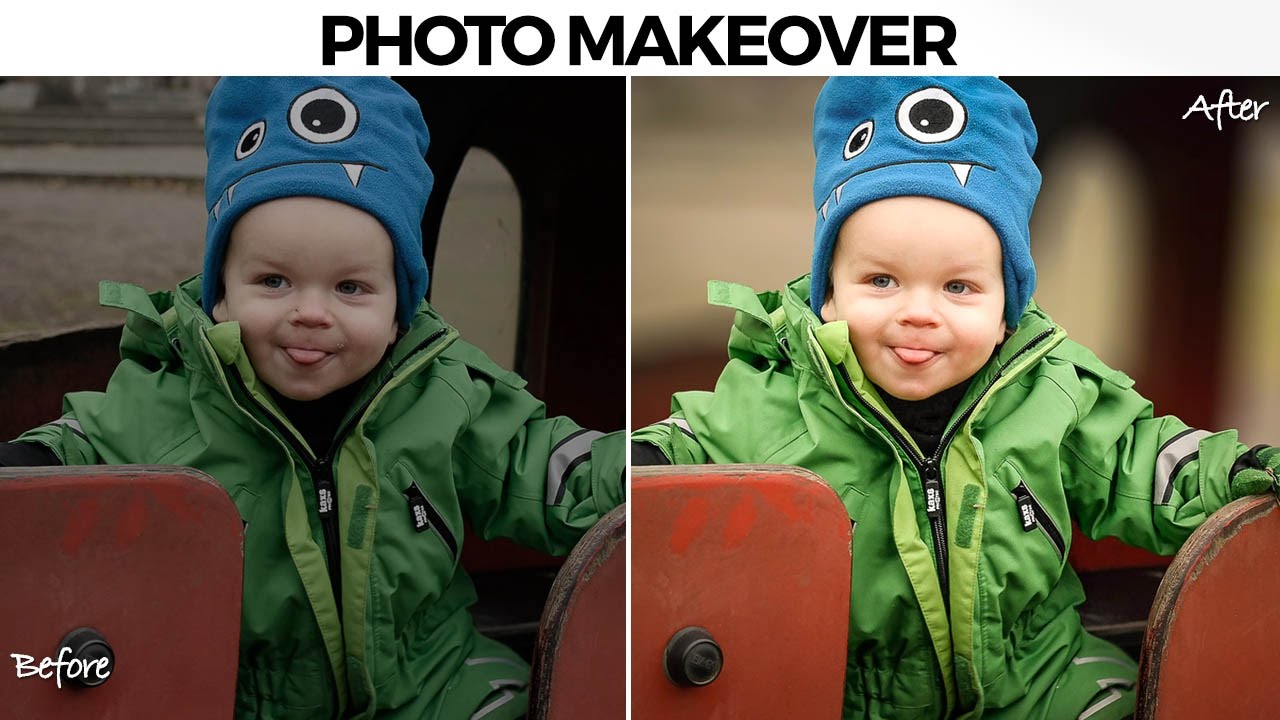
There’s a specific kind of job that used to make me quietly dread opening my inbox. A parent, a friend, someone’s aunt, sends you a candid photo of a kid with a genuinely great expression, and the background is just… a gray wall of visual noise. The subject is good. The light is okay. But nothing separates the person from everything behind them, and the whole thing reads as flat. I used to either spend way too long on it or hand it back with minimal changes and feel vaguely embarrassed about it.

Split Toning, Blend If, and Building a Cinematic Edit from Scratch (PHLEARN Breakdown)

Split Toning, Blend If, and Building a Cinematic Edit from Scratch (PHLEARN Breakdown)

There’s a specific kind of frustration that hits when you finish editing a photo and it just looks… fine. Technically correct. Boring. You added some contrast, maybe bumped the saturation, and the result is an image that could have come out of any free Lightroom preset pack. I spent an embarrassing amount of time in that zone early in my freelance career, convinced I was missing some secret tool. Turns out I wasn’t missing a tool.

Build a Book Cover Template That Updates Across Every Mockup Automatically

Build a Book Cover Template That Updates Across Every Mockup Automatically

Here’s a workflow problem I used to solve the dumbest way possible. Client wants to see their book cover design on three different book mockups. Old me would place the design manually on each mockup, flatten everything, then realize I wanted to tweak the title font, and start the whole process over from scratch. Three times. I did this for longer than I’m willing to admit before someone pointed me toward smart objects and linked files.

Fake It Till You Make It: How to Wrap 3D Text Around a Subject in Photoshop (No AI Required)

Fake It Till You Make It: How to Wrap 3D Text Around a Subject in Photoshop (No AI Required)

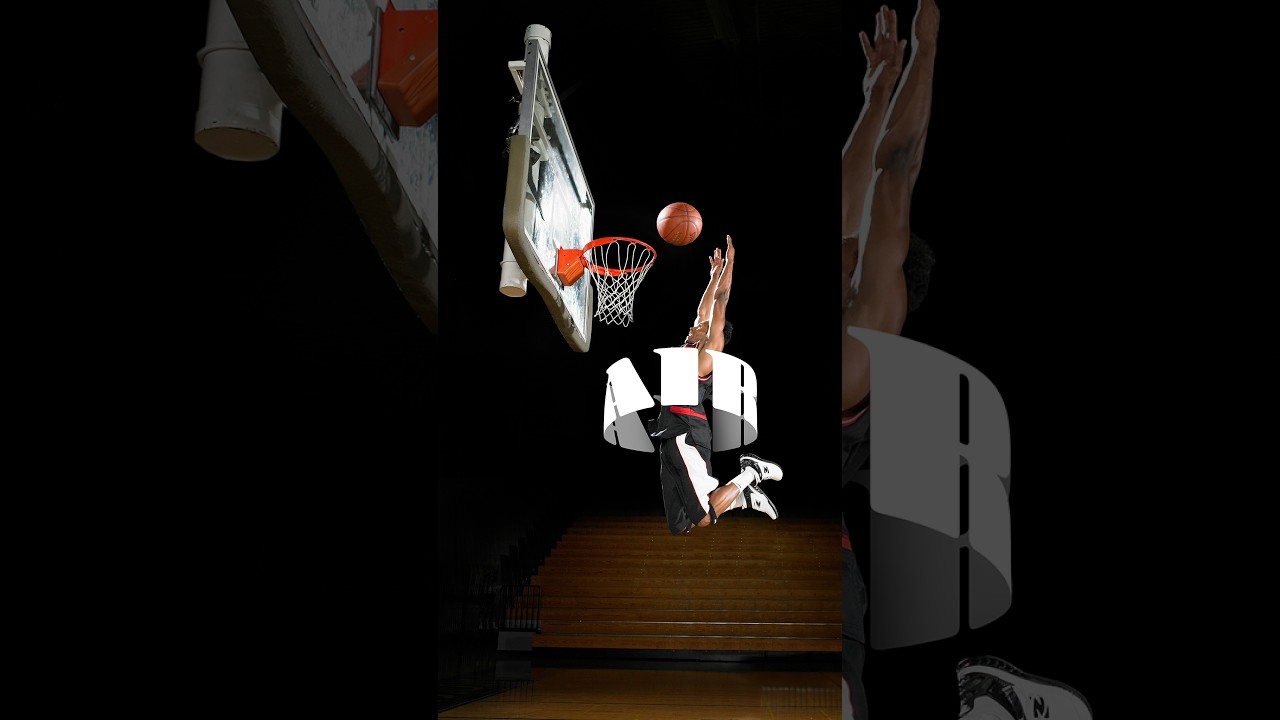
There’s a specific kind of design envy that hits when you see text curving around a subject like it actually exists in the same physical space. Not slapped on top. Not dropped in as an afterthought. Actually wrapping. I’ve faked this effect badly more times than I care to admit, usually by just skewing text and hoping nobody looked too closely. Spoiler: they always look too closely. So when I came across this Aaron Nace (PHLEARN) tutorial on creating a 3D text effect in Photoshop, I sat up a little straighter in my coffee shop booth.

How to Fake 3D Text in Photoshop Without Touching a Single AI Button

How to Fake 3D Text in Photoshop Without Touching a Single AI Button

Every few months I stumble across a technique that makes me feel like I’ve been doing things the hard way for no reason. This was one of those moments. I was working on a poster comp where the client wanted text that felt like it was physically wrapped around the subject, that kind of old-school carnival or vintage sports graphic energy. My first instinct was to reach for something complicated. Maybe export to a 3D program, maybe mess around with displacement maps, maybe just charge the client more and hope they forgot about it.

One Flash, One Stand, No Excuses: The Multi-Boom Setup That Replaced Half My Gear Bag

One Flash, One Stand, No Excuses: The Multi-Boom Setup That Replaced Half My Gear Bag

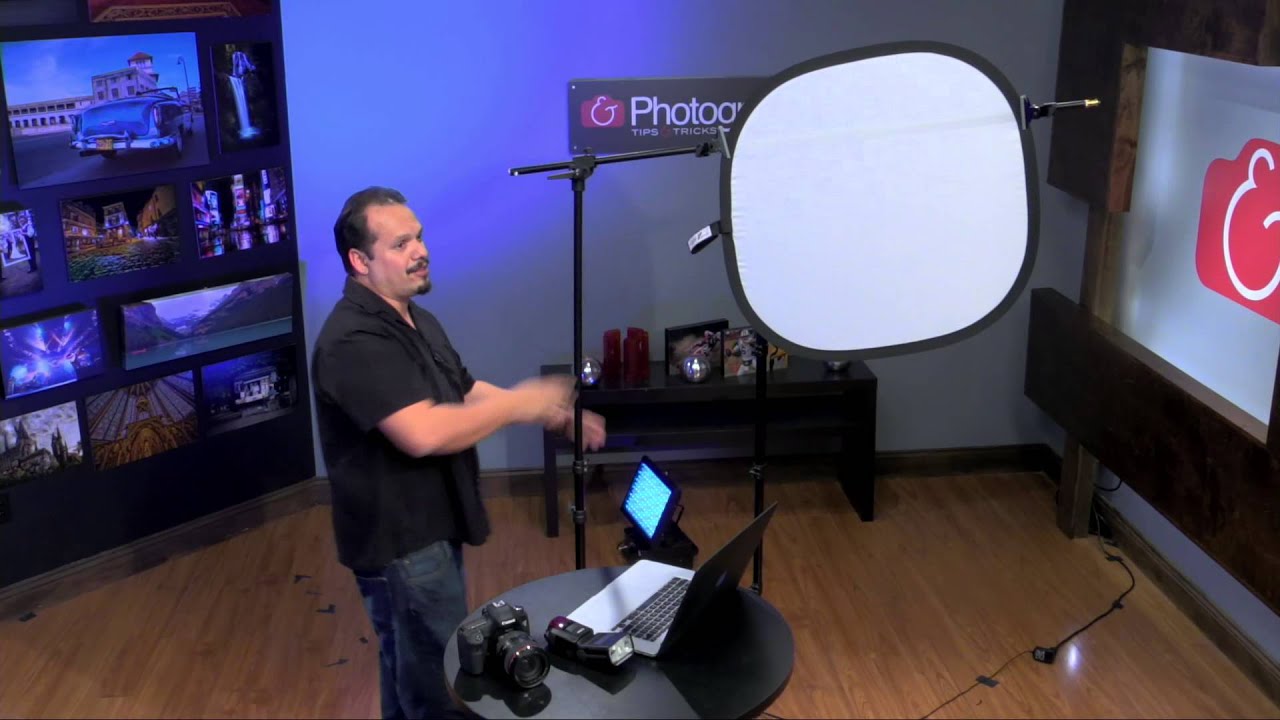
There’s a specific kind of dread that hits when a client says “keep it simple” and you show up with a rolling luggage bag full of stands, modifiers, and cables that takes 40 minutes to set up. I’ve been that person. I have very much been that person. The whole point of traveling light is to actually travel light, and for a long time my version of “light” still involved two stands, a reflector arm, and a bag of clamps I’d inevitably lose one of.

How to Open, Edit, and Save in Photoshop Without Destroying Your Work (Or Your Sanity)

How to Open, Edit, and Save in Photoshop Without Destroying Your Work (Or Your Sanity)

Early in my freelance career, I had a bad habit of editing directly on original files. No layers, no backup copies, just reckless confidence and a fast save button. You can probably guess how that story ends. I lost work, I re-did edits I’d already done, and I spent an embarrassing amount of time explaining to clients why their “finished” photos needed to be “finished” again. The fix was stupidly simple, and it came down to understanding one concept: non-destructive editing.

Photoshop's June 2025 Update Just Made Background Removal Actually Good

Photoshop's June 2025 Update Just Made Background Removal Actually Good

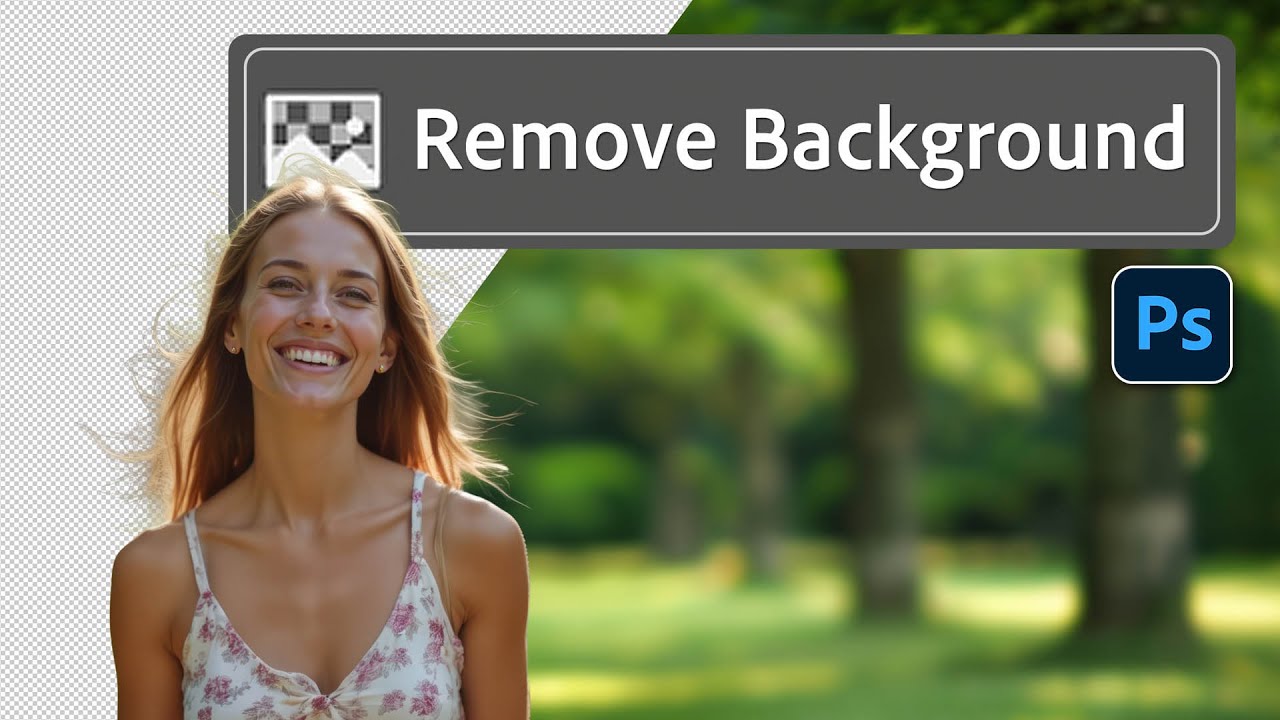
There’s a specific flavor of client nightmare I’ve lived through more times than I’d like to admit. Someone sends over a photo with a person they love, shot in front of a background they hate, and they want that person dropped onto something completely different. Fine. Except the subject has flyaway hair, or wispy strands catching the light, or some other detail that makes a clean cutout feel like defusing a bomb.

Stop Clicking Around: How to Actually Choose the Right Selection Tool in Photoshop

Stop Clicking Around: How to Actually Choose the Right Selection Tool in Photoshop

I had a client ask me to cut out a model from a white studio background last year. Simple job. Twenty seconds, maybe. I watched the file come through, opened it, and instinctively reached for the Quick Selection tool out of habit. Four minutes later I was still cleaning up jagged edges around flyaway hair and quietly hating myself. The Object Selection tool with a quick mask refinement would have had it done in under a minute.