The Underrated Power of Photoshop Elements: Why I'm Recommending It to Everyone

The Underrated Power of Photoshop Elements: Why I'm Recommending It to Everyone

The Underrated Power of Photoshop Elements: Why I’m Recommending It to Everyone Here’s a confession: I spend way too much time watching photographers obsess over whether they need the full Photoshop subscription. Spoiler alert—most of them don’t. Adobe just dropped the 2026 version of Photoshop Elements, and honestly? It’s gotten even better at doing what it does best: making photo editing accessible without requiring you to mortgage your house or learn a PhD-level skill tree.

The Ricoh GR IV HDF: Why This Compact Camera's Built-In Filter Matters for Digital Artists

The Ricoh GR IV HDF: Why This Compact Camera's Built-In Filter Matters for Digital Artists

A Compact Camera That’s Making Me Rethink My Workflow I’ve been shooting with the Ricoh GR IV for a while now, and I’ll admit I’m obsessed with how pocket-sized it is. But Ricoh just dropped the HDF variant, and it’s got me thinking about something I don’t usually consider: what if the camera itself handles some of the aesthetic work for you? The key difference here is the High Definition Filter mode—basically a built-in softness and glow effect that you can toggle on or off.

The Great Photo Verification Showdown: Why Your Authentic Images Might Not Be So Authentic

The Great Photo Verification Showdown: Why Your Authentic Images Might Not Be So Authentic

The Plot Thickens in the Photo Verification Wars I’ve been knee-deep in Photoshop tutorials and editing tricks for years, teaching people how to enhance, manipulate, and transform images. But here’s the uncomfortable truth I’m wrestling with: the very technology that’s supposed to prove an image is “real” might have more holes in it than Swiss cheese. Researchers from ETH Zurich just threw a wrench into Adobe’s carefully laid plans. The C2PA (Coalition for Content Provenance and Authenticity) system—the industry’s darling solution for certifying genuine photographs—apparently isn’t as bulletproof as we’ve been led to believe.

The Dark Art of Photo Manipulation: Making People Look Better Than They Have Any Right To

The Dark Art of Photo Manipulation: Making People Look Better Than They Have Any Right To

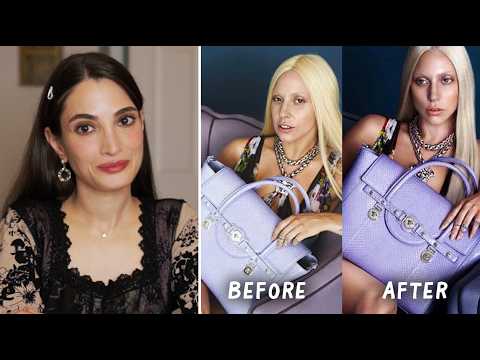
The Dark Art of Photo Manipulation: Making People Look Better Than They Have Any Right To Look, I’m not going to pretend that photo manipulation is some noble pursuit. It’s basically digital lying. But it’s fun lying, and honestly, everyone’s doing it. Your Instagram influencer crush? Manipulated. That family photo where everyone actually looks happy? Manipulated. That picture of your breakfast that got 47 likes? Okay, probably not manipulated, but it should have been.

The Dark Art of Photo Manipulation: Making People Look Better Than They Actually Are

The Dark Art of Photo Manipulation: Making People Look Better Than They Actually Are

The Dark Art of Photo Manipulation: Making People Look Better Than They Actually Are Let’s be honest—we’re all here because reality is sometimes disappointing. Your client’s product photos are too dark. Your portrait subject has a mysterious third chin they swear isn’t usually there. The sunset you drove two hours to photograph looks about as inspiring as a spreadsheet. Enter photo manipulation: the noble art of making things look better without making them look obviously fake.

The Art of Not Getting Caught: Photo Manipulation Done Right

The Art of Not Getting Caught: Photo Manipulation Done Right

The Art of Not Getting Caught: Photo Manipulation Done Right Look, I’m going to be straight with you: photo manipulation gets a bad rap. Everyone’s suddenly a purist who swears they “don’t edit their photos” while conveniently forgetting about that Instagram filter they applied. The truth? Good manipulation is invisible. Bad manipulation makes people look like plastic aliens. I’m here to help you be in the first camp. The Golden Rule: Subtlety is Your Best Friend The biggest mistake I see is people treating Photoshop like a sledgehammer when they should be using it like a scalpel.

Text Effects in Photoshop That Don't Look Like a Geocities Website

Text Effects in Photoshop That Don't Look Like a Geocities Website

Text Effects in Photoshop That Don’t Look Like a Geocities Website Look, I get it. Text effects are fun. A little drop shadow here, some beveling there, maybe throw a lens flare on top because why not? Before you know it, your design looks like it should be accompanied by MIDI music and animated GIFs of dancing babies. But here’s the thing: text effects can actually be useful when you’re not treating Photoshop like a effect slot machine.

Stop Pretending Photoshop Does Everything: Why Concept Artists Need Blender Too

Stop Pretending Photoshop Does Everything: Why Concept Artists Need Blender Too

The Great Pretender Problem Here’s something nobody wants to admit: Photoshop isn’t a magic wand. I know, I know—controversial take from a Photoshop tips guy. But stick with me. I’ve been watching concept artists wrestle with Photoshop for years, trying to hand-paint complex perspectives, fighting with brush strokes to create believable architecture, and basically torturing themselves when there’s a better way. Enter Blender, stage left. Why Your Concept Art Pipeline Needs a Reality Check The trend I’m seeing in professional production is refreshingly honest: nobody’s doing pure digital painting anymore.

Stop Nuking Eye Color: A Better Way to Change Eyes in Photoshop

Stop Nuking Eye Color: A Better Way to Change Eyes in Photoshop

I used to change eye color in Photoshop the lazy way. Hue/Saturation adjustment layer, clip it, drag the slider, call it a day. It works, technically. It also looks like you swapped someone’s eyes with a cartoon character’s. Clients notice. You notice. And then you spend twenty minutes trying to dial it back until it looks passably human, which mostly defeats the purpose. The smarter approach involves a more deliberate mask and a color-mixing method that actually respects how eyes catch light.

Stop Memorizing Photoshop Shortcuts Like You're Studying for the SAT

Stop Memorizing Photoshop Shortcuts Like You're Studying for the SAT

Stop Memorizing Photoshop Shortcuts Like You’re Studying for the SAT Look, I get it. You’ve seen those infographics with 47 different Photoshop shortcuts arranged in a neat grid, and you felt obligated to memorize all of them. Then you never used 45 of them, felt bad about yourself, and went back to clicking through menus like some kind of medieval peasant. Stop that. We’re fixing this right now. The truth is, there are maybe a dozen shortcuts that’ll legitimately change your workflow.

Stop Making Your Text Look Like a 1997 Geocities Site: A Guide to Text Effects That Don't Suck

Stop Making Your Text Look Like a 1997 Geocities Site: A Guide to Text Effects That Don't Suck

Stop Making Your Text Look Like a 1997 Geocities Site: A Guide to Text Effects That Don’t Suck Look, I get it. Text effects are fun. Drop shadows, glows, bevels—they’re sitting right there in Photoshop’s Layer Styles panel, practically begging to be clicked. But here’s the thing: just because you can make text look like it’s melting into a neon puddle doesn’t mean you should. I’ve been staring at Photoshop screens for longer than I care to admit, and I’ve learned that the best text effects are the ones that enhance readability, not compete with it.

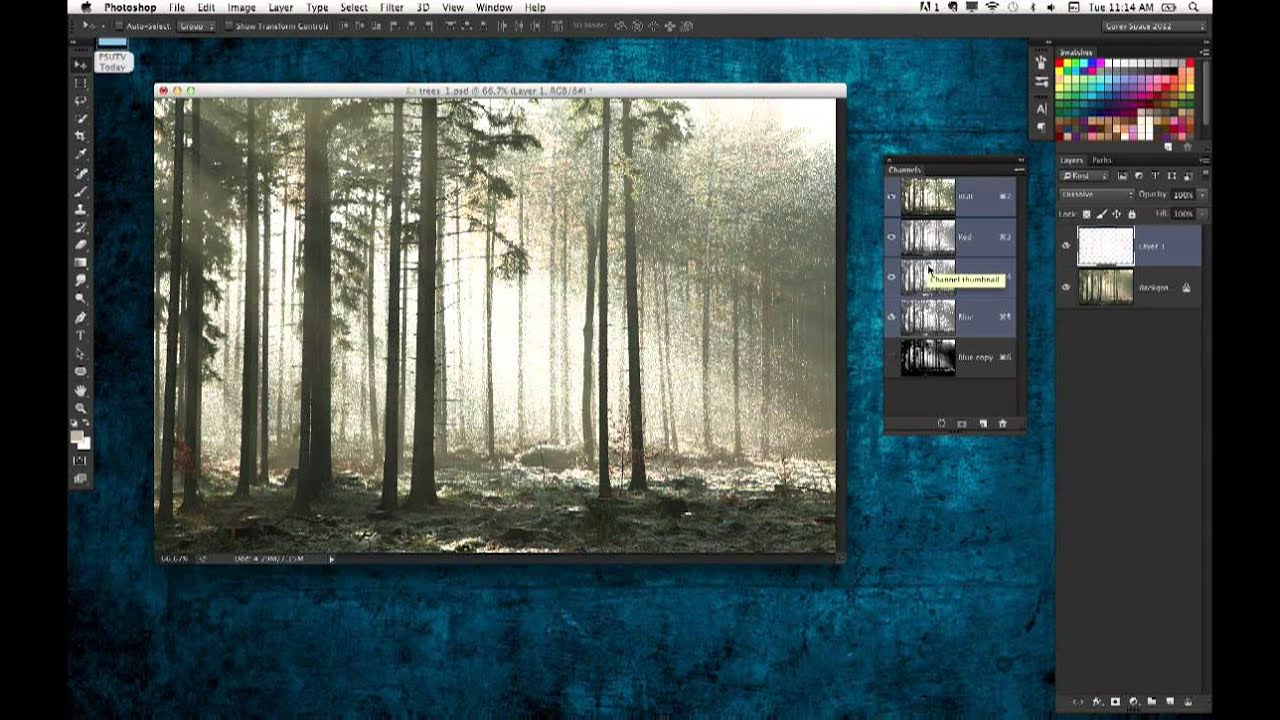
Stop Hating Selection Tools: A Practical Guide to Actually Using Them

Stop Hating Selection Tools: A Practical Guide to Actually Using Them

Stop Hating Selection Tools: A Practical Guide to Actually Using Them Look, I get it. Selection tools are boring. They’re not glamorous like filters or layer blends. But here’s the thing: learning to use them properly will cut your editing time in half and make you actually enjoy using Photoshop instead of rage-quitting at 11 PM. I used to hate selections too. I’d spend twenty minutes wrestling with the Magic Wand, watching it select everything except what I wanted.