Photoshop's Landscape Mixer Neural Filter Is Wildly Good (With One Catch You Need to Know)

Photoshop's Landscape Mixer Neural Filter Is Wildly Good (With One Catch You Need to Know)

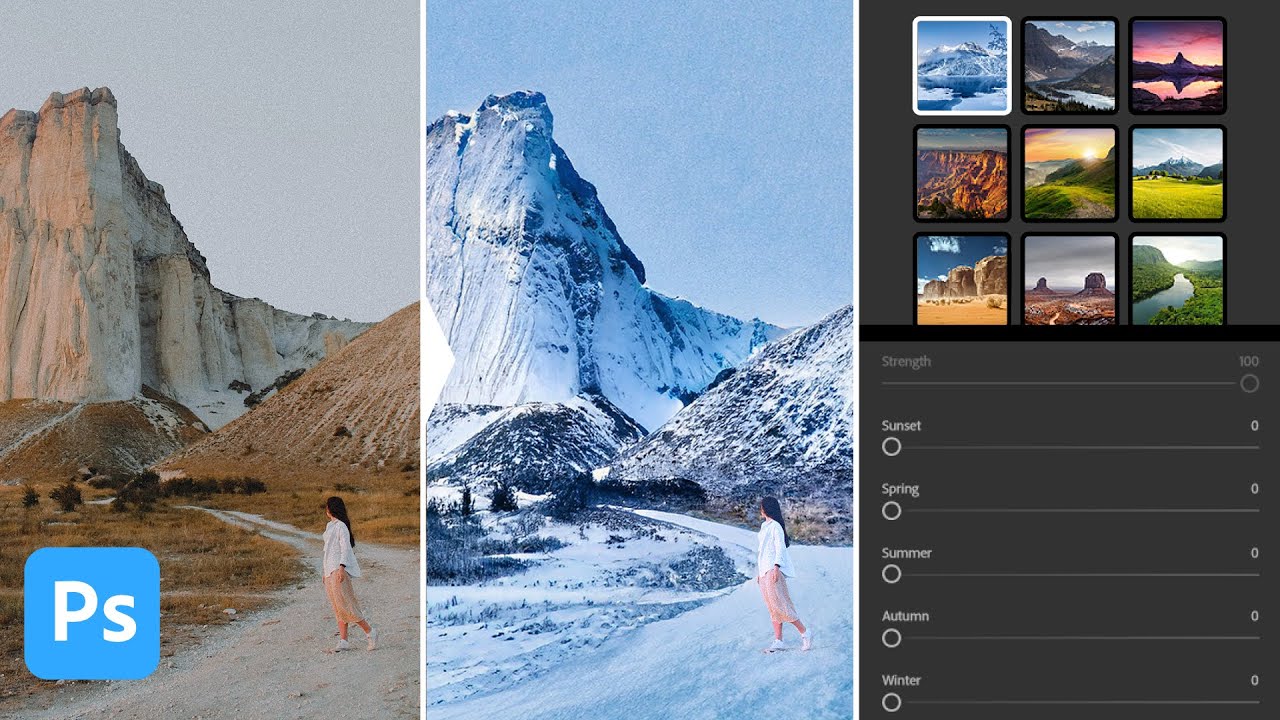
There’s a specific kind of panic that hits when a client says “can you make this look like it was shot in winter?” and you’ve got exactly one image of a sun-scorched desert to work with. I’ve been there. My old solution involved approximately fourteen stock photo licenses, a lot of blending modes I only half understood, and one very long night at my usual corner table at Epoch Coffee. So when I caught this Watch the full tutorial on YouTube from Aaron Nace over at PHLEARN, I nearly knocked my cold brew onto my laptop.

Your Photoshop Workspace is a Mess — Here's How I Fixed Mine in 20 Minutes

Your Photoshop Workspace is a Mess — Here's How I Fixed Mine in 20 Minutes

I spent the better part of a Tuesday afternoon last month looking for the Properties panel. Not because it was hidden. Not because I’d closed it. It was open the whole time, just buried under three other panels on my secondary monitor in a configuration I’d apparently set up sometime in 2021 and never touched since. Meanwhile, the client on the other end of a Slack thread was waiting for a mockup revision that should have taken seven minutes.

Stop Eyeballing It: How to Actually Use Photoshop's Transform Tool Like You Mean It

Stop Eyeballing It: How to Actually Use Photoshop's Transform Tool Like You Mean It

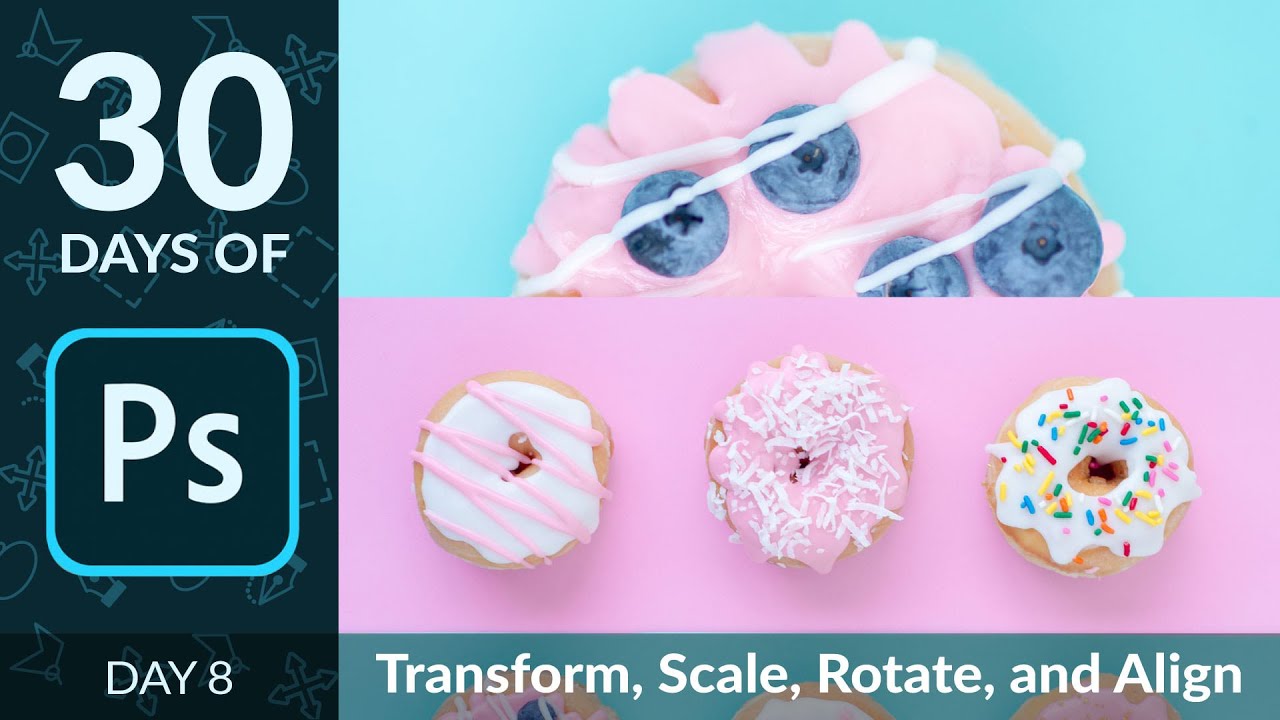
There’s a certain kind of Photoshop shame that hits when you’re dragging layers around by eye, nudging things pixel by pixel, hoping they “look about right.” I lived in that shame for longer than I’d like to admit. Back when I was slapping together graphics for friends (before anyone was paying me to do it), I thought the move tool and vibes were basically the whole toolkit. Spoiler: they are not.

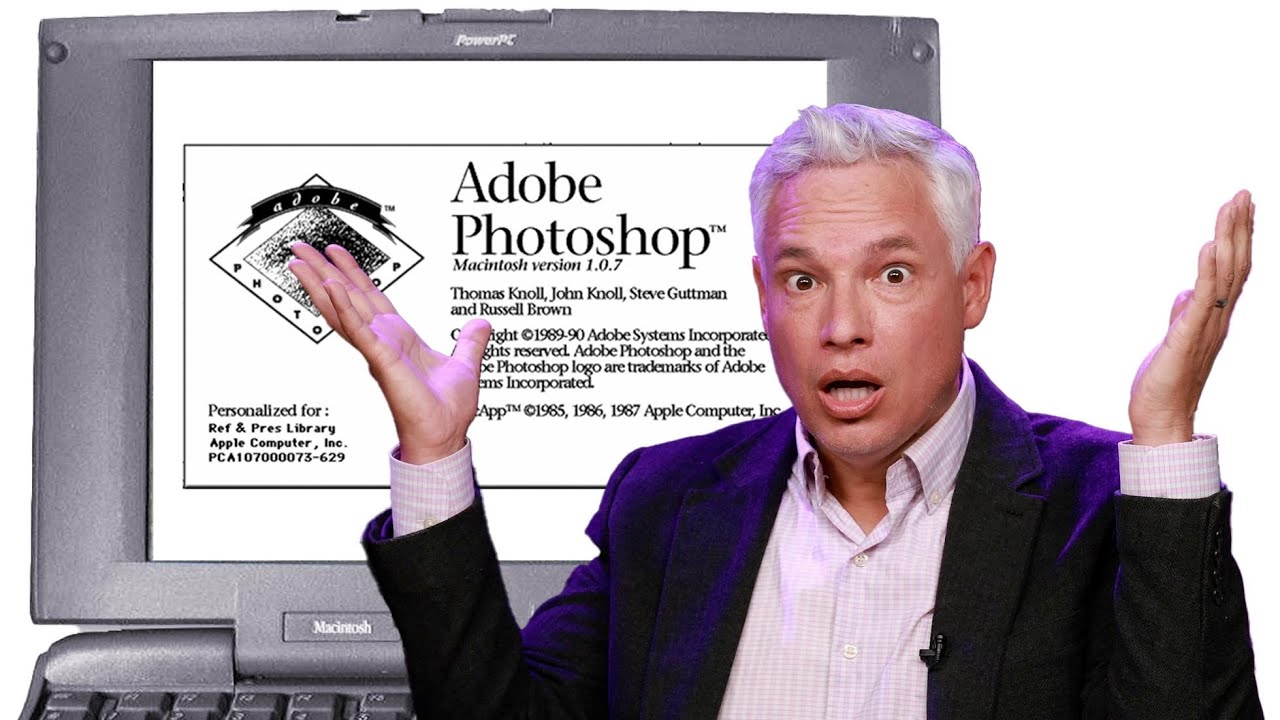
Photoshop at 35: What Happens When You Actually Use Version 1.0 in 2025

Photoshop at 35: What Happens When You Actually Use Version 1.0 in 2025

I started making graphics in MS Paint. Terrible, pixelated, deeply embarrassing stuff - word art on birthday cards, memes with white borders because I didn’t know how to crop. So when I finally got my hands on Photoshop, it felt like going from a tricycle to a sports car. I still feel that way, honestly. But it’s easy to forget just how far the software has actually traveled when you’re living inside the current version every day.

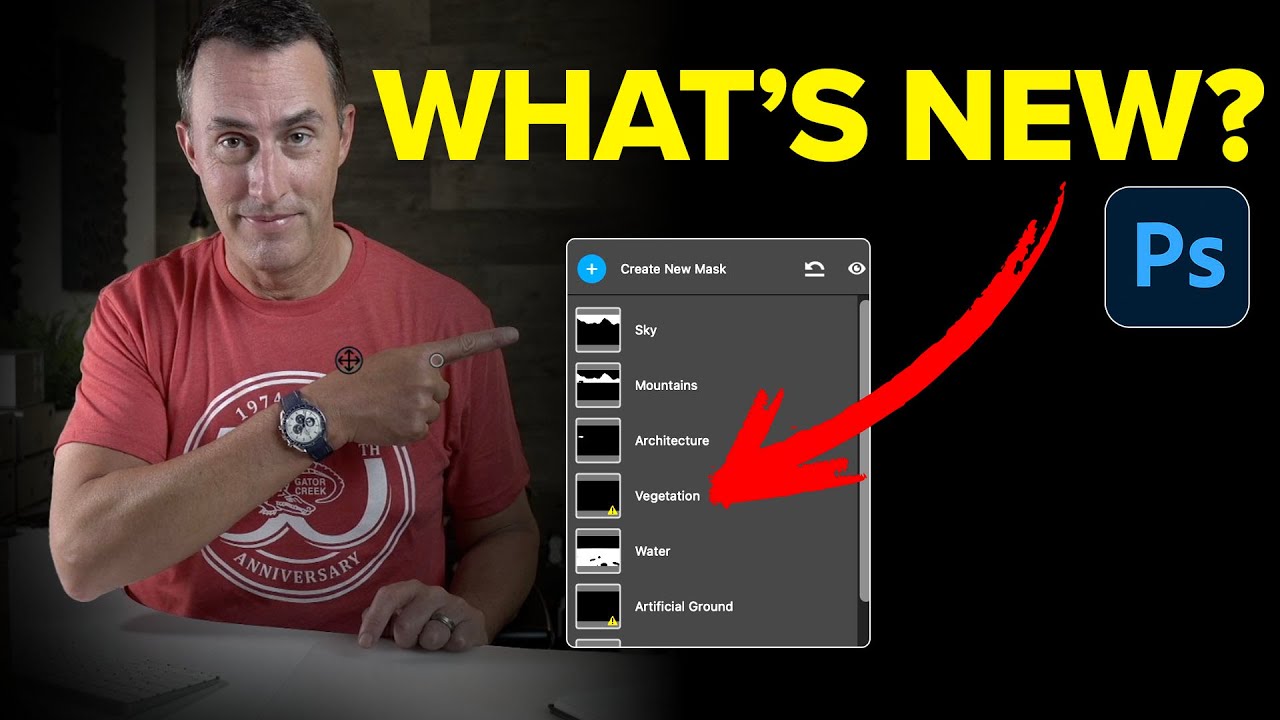
Photoshop's New Landscape Masking Is the Camera Raw Feature I Didn't Know I Needed

Photoshop's New Landscape Masking Is the Camera Raw Feature I Didn't Know I Needed

I’ll be honest with you. My relationship with Camera Raw masking has always been “good enough.” Select sky, paint in the foreground with a gradient, argue with a brush tool for fifteen minutes over some tree branches, call it done. It works. It’s not elegant, but it gets the job done between my third and fourth coffee of the morning. Then I watched this Matt Kloskowski tutorial on the April 2025 Photoshop update and realized I’d been doing the equivalent of cutting a steak with a butter knife.

Why Your Photo Composites Look Fake (And the Luminosity Trick That Fixes It)

Why Your Photo Composites Look Fake (And the Luminosity Trick That Fixes It)

I once spent three days on a composite. Three full days, multiple oat milk lattes, two different coffee shops, and one very dramatic Spotify playlist. I was proud of it. I sent it to a designer friend for feedback and he replied with a voice memo, which is never a good sign. Turns out he’d recreated something cleaner in about 20 minutes using a luminosity-based matching workflow I had never once considered.

Tattoo Be Gone: A Three-Step Photoshop Removal Workflow That Actually Holds Up

Tattoo Be Gone: A Three-Step Photoshop Removal Workflow That Actually Holds Up

I do a fair amount of portrait retouching for clients — headshots, lifestyle stuff, the occasional album cover for a band that takes itself way too seriously. And every so often someone slides into my inbox asking if I can “just remove” a tattoo from a photo. Sometimes it’s for a corporate headshot. Sometimes it’s for a family portrait where grandma is going to lose her mind if she sees it.

How to Actually Fix a Backlit Candid Portrait (Without Lugging Around Studio Gear)

How to Actually Fix a Backlit Candid Portrait (Without Lugging Around Studio Gear)

There’s a specific kind of photo that shows up in everyone’s catalog and causes a small amount of existential dread: the backlit candid. You know the one. The light is beautiful, the moment is real, and the subject looks like they’re being interviewed in a witness protection program. I have folders full of these from outdoor events, and for a long time my solution was to either slap a Lightroom preset on them and hope for the best, or just quietly move them to trash.

Vignettes, Warm Skin, and Bright Eyes: A Practical Photoshop Workflow for Kids' Portraits

Vignettes, Warm Skin, and Bright Eyes: A Practical Photoshop Workflow for Kids' Portraits

Kids are basically impossible to photograph well. They’re moving, they’re squinting, they’ve got something unidentified on their face, and the lighting is whatever chaos the universe handed you that afternoon. So when the photo technically comes out okay, you want the edit to actually do it justice without spending two hours in Photoshop wrestling with it. That’s exactly what this tutorial from Aaron Nace over at PHLEARN delivers. Watch the full tutorial on YouTube before or after reading through this breakdown.

Adobe Just Put Photoshop Inside Slack—And It Actually Might Save Your Life

Adobe Just Put Photoshop Inside Slack—And It Actually Might Save Your Life

Your Slack Workspace Just Became a Creative Studio I’ll be honest—when I first heard Adobe was throwing a bunch of creative tools into Slack, my initial reaction was something like “cool, but why?” Then I actually thought about it, and now I’m convinced this is either going to revolutionize how creative teams work or become the most ignored feature in Slack history. There’s really no middle ground here. Here’s the deal: Adobe just packed over 70 tools from Photoshop, Illustrator, Premiere Pro, and their other creative apps directly into Slack.

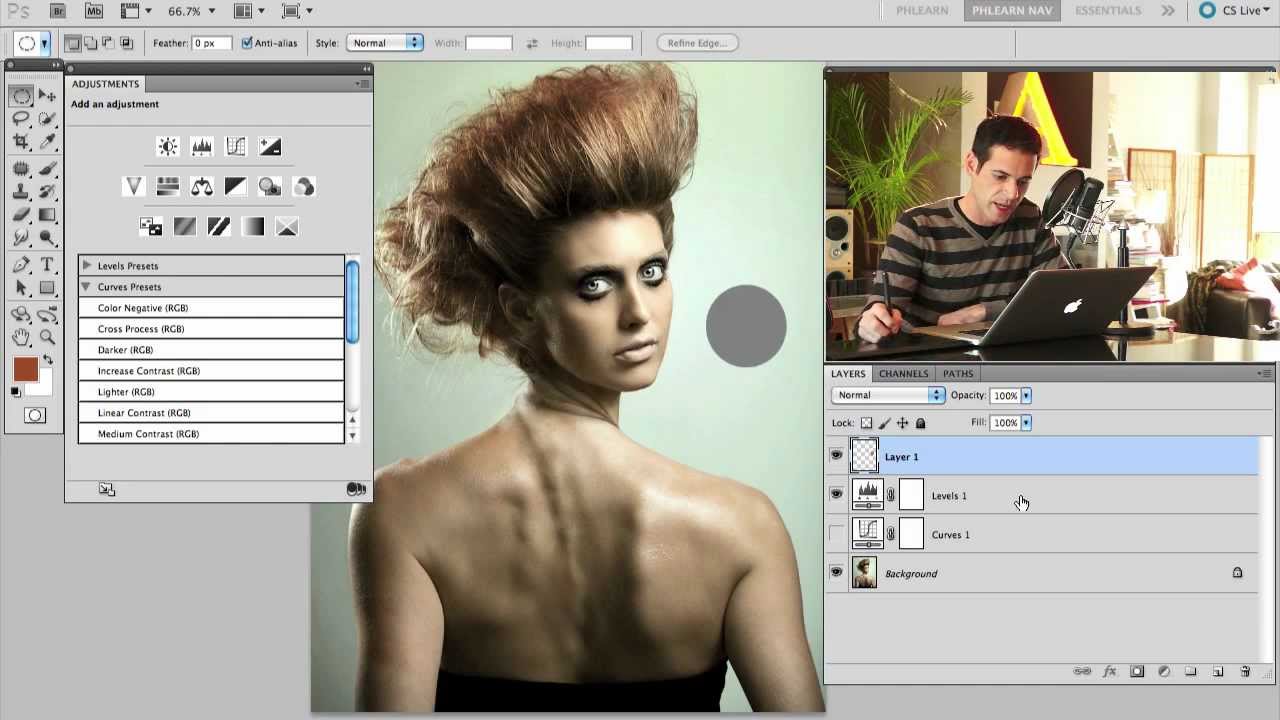
Levels vs. Curves in Photoshop: When to Use Each (And Why You've Probably Been Guessing)

Levels vs. Curves in Photoshop: When to Use Each (And Why You've Probably Been Guessing)

For an embarrassingly long time, I picked between Levels and Curves the same way I pick a parking spot — just grabbed whatever felt right and hoped for the best. Both tools live in the same neighborhood, both mess with tonal values, and neither one comes with a sign that says “use me for THIS.” So I’d open Curves when I felt fancy, open Levels when I felt lazy, and pretend I had a system.

Lightroom's Curves-in-Masks Combo Is the Local Adjustment I Didn't Know I Was Missing

Lightroom's Curves-in-Masks Combo Is the Local Adjustment I Didn't Know I Was Missing

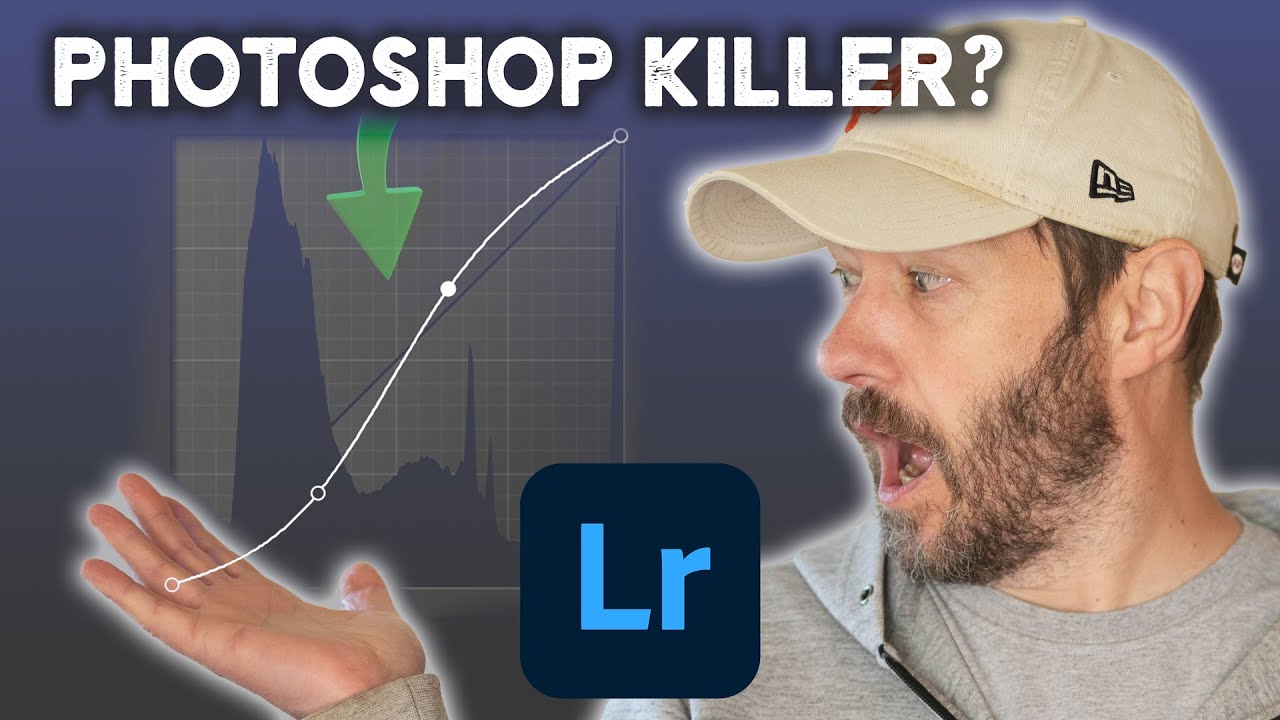
I’ll be honest. For the longest time I treated Lightroom like a place where I did the boring stuff before bringing an image into Photoshop to do anything actually interesting. Rough global adjustments, maybe a quick crop, then over to the real tool. That workflow made sense until I started watching what photographers like Nigel Danson were pulling off without ever touching Photoshop. Watch the full tutorial on YouTube In this Nigel Danson tutorial, the focus is on a relatively recent Lightroom update that most people glossed over in the release notes: you can now use the Curves tool inside masks.